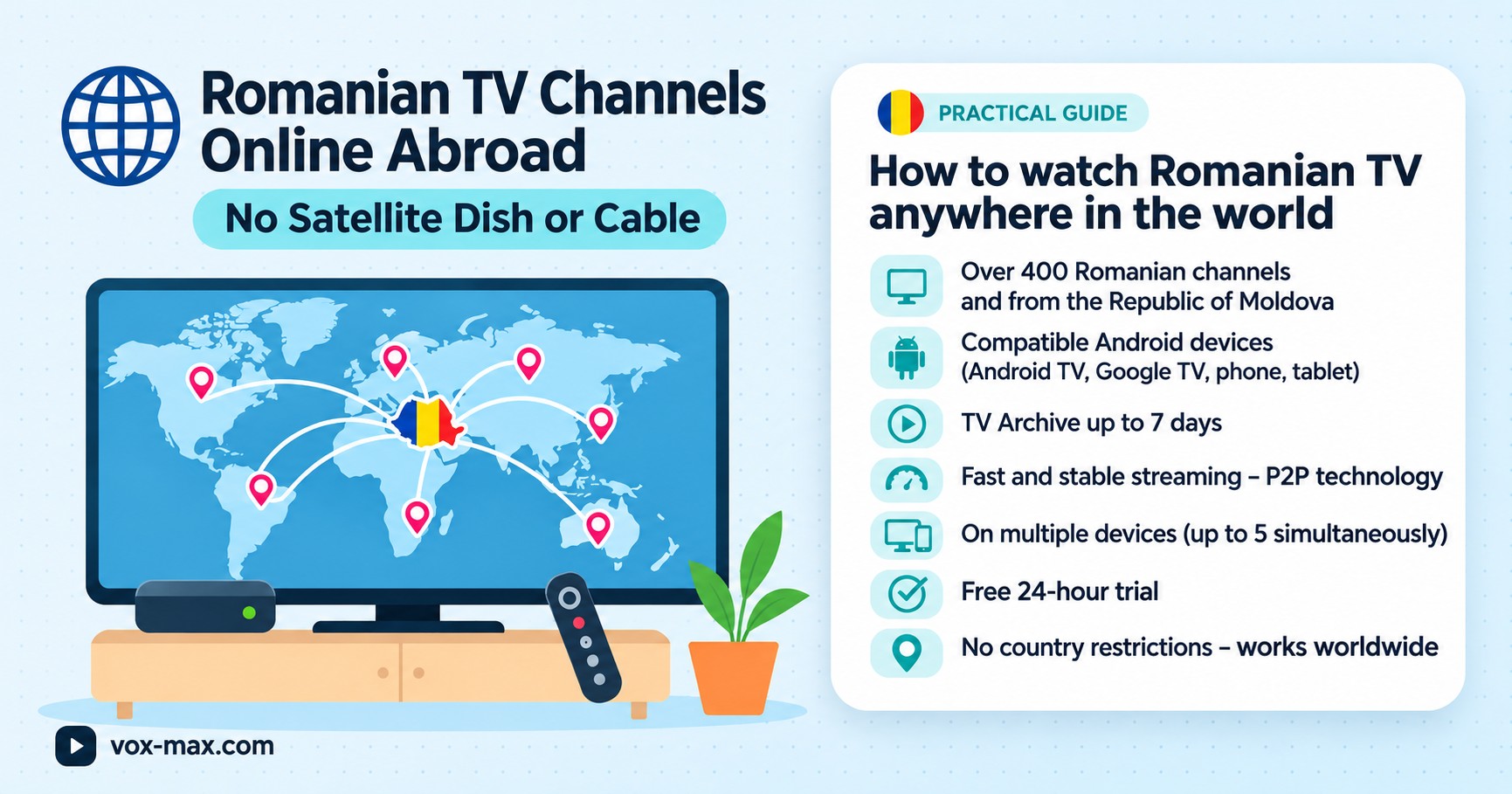
Romanian TV abroad without satellite or cable: a guide
A practical guide to Romanian TV abroad without satellite: streaming choices, Android TV devices, internet requirements and a free trial.
In this guide
- Ways to watch Romanian television from another country
- Getting started without a dish or cable
- What if you have a Samsung or LG TV?
- Understanding P2P and internet television
- Watching from Europe, Canada or the United States
- Troubleshooting common problems
- Frequently asked questions
- Choosing the right option
If you want Romanian TV abroad without satellite, you have several ways to watch programmes online. You may not need a satellite dish or a local cable subscription: official broadcasters' apps, streaming services and compatible Android TV devices can all help. The right choice depends on where you live, programme rights, your device and your internet connection.
Ways to watch Romanian television from another country
Start with broadcasters' official websites and apps. Some provide live streams or catch-up programmes, although access may depend on your country and the rights attached to individual shows. A channel being available in Romania does not mean every broadcast can be watched worldwide.
Another option is an internet television service offering the channels you want. Check the current channel selection, supported devices, subscription terms and whether a trial is available before you pay.
If your television does not support the app you need, an external Android TV or Google TV box connected over HDMI may provide a practical solution.
Getting started without a dish or cable
- Identify your TV's operating system. Check Settings to see whether it uses Android TV, Google TV, Samsung Tizen or LG webOS.
- Choose a compatible service. Read its installation instructions; not every Android app runs on every smart television.
- Test your broadband. A stable connection matters more than an advertised peak speed. Vox Max recommends at least 100 Mb/s and a wired Ethernet connection for TV where possible.
- Register on the official website. Complete any email or telephone verification required.
- Install the right app. Use the Android TV version for supported TV devices and the separate Android Mobile version for a phone or tablet.
- Try several programmes. Check normal channels and more demanding broadcasts before committing to a subscription.
For a detailed walkthrough, see the Vox Max Android TV installation guide.
What if you have a Samsung or LG TV?
Vox Max's Android TV app cannot be installed directly on Samsung Tizen or LG webOS. You can instead connect a compatible Android TV device, such as Nvidia Shield TV or Xiaomi Mi Box, through HDMI.
Before buying a box, check the precise model, operating system and network connections. Our Xiaomi TV Box versus Nvidia Shield comparison explains the practical differences.
For phones, download the dedicated Android Mobile app rather than the TV package. The mobile and TV versions are intended for different screen sizes and controls.
Understanding P2P and internet television
IPTV broadly refers to television delivered using Internet Protocol. Peer-to-peer, or P2P, describes a method of distributing data between participating devices. The two terms are not necessarily opposites.
Vox Max uses P2P distribution, but performance still depends on your device, connection, the availability of the stream and network conditions. P2P does not guarantee uninterrupted playback or complete anonymity.
Read our P2P versus traditional IPTV guide for a fuller explanation, then test the experience on your own network.
Watching from Europe, Canada or the United States
Vox Max is designed for Romanians living abroad, with apps for compatible Android devices, television channels, films, series and Playback for available recordings from up to seven days earlier.
Check the current availability of individual channels and programmes in the app. Do not assume that every programme is available in every country.
New users can use the free 24-hour trial to evaluate the service. Create an account on the official Vox Max website, complete the required verification and install the app that matches your device. Under the service terms, an account can be used on up to five devices simultaneously.
If you live in Britain, our Romanian TV on Android TV in the UK guide includes additional setup advice.
Troubleshooting common problems
The picture keeps buffering. Check whether other streaming apps behave the same way. Restart the app and router, test your connection and try Ethernet on a TV. See our streaming buffering guide for further steps.
The app will not install. Make sure you have selected the correct Android TV or Android Mobile version. A Samsung or LG television without Android cannot install the Android TV app directly.
A programme is missing from catch-up. Playback relies on available recordings. A seven-day archive does not mean that every broadcast was recorded. Learn more in our catch-up TV guide.
You are unsure about pricing. Review the current plans, renewal terms and conditions on the subscription page.
Frequently asked questions
Can I watch Romanian channels online without a satellite dish?
Yes, with a compatible streaming service and an internet connection. Channel availability depends on the provider and broadcast rights.
Does Vox Max work directly on Samsung or LG smart TVs?
Not on Tizen or webOS. A compatible Android TV device connected by HDMI is an alternative.
Can I watch on an Android phone?
Yes. Vox Max offers a dedicated Android Mobile app. Download the correct version from the official website.
Is there a free trial?
New Vox Max users can try the service for 24 hours, subject to the current terms.
Can I watch programmes after they air?
Playback provides access to available recordings for up to seven days. Some programmes may be missing if they were not recorded.
Choosing the right option
Think about which channels you want, where you live, the device you use and the stability of your connection. Compare compatibility, subscription transparency and trial experience rather than relying on advertising promises.
If you have a compatible Android device, visit vox-max.com to check the latest Vox Max details and trial options.
More guides
-
Romanian TV abroad
Romanian TV on your phone abroad with Vox Max
Watch Romanian TV on your phone abroad with the Vox Max Android Mobile app: what you need, how to get started and how Live TV and Playback fit around your day.
-
Romanian TV abroad
Romanian IPTV 2026
Romanian IPTV 2026: compare internet TV subscriptions, compatible devices, catch-up television and IPTV versus P2P before you choose.
-
Romanian TV abroad
Choosing Romanian TV in the UK: a 7-point checklist
What to check before paying for Romanian TV in the UK: devices, free trial, renewal terms, support, catch-up, home broadband and the time difference.