Xiaomi TV Box vs Nvidia Shield: which to choose for Vox Max
We compare the two streaming boxes recommended for Vox Max on the criteria that matter for TV streaming, so you can pick the right one for your home.
In this guide
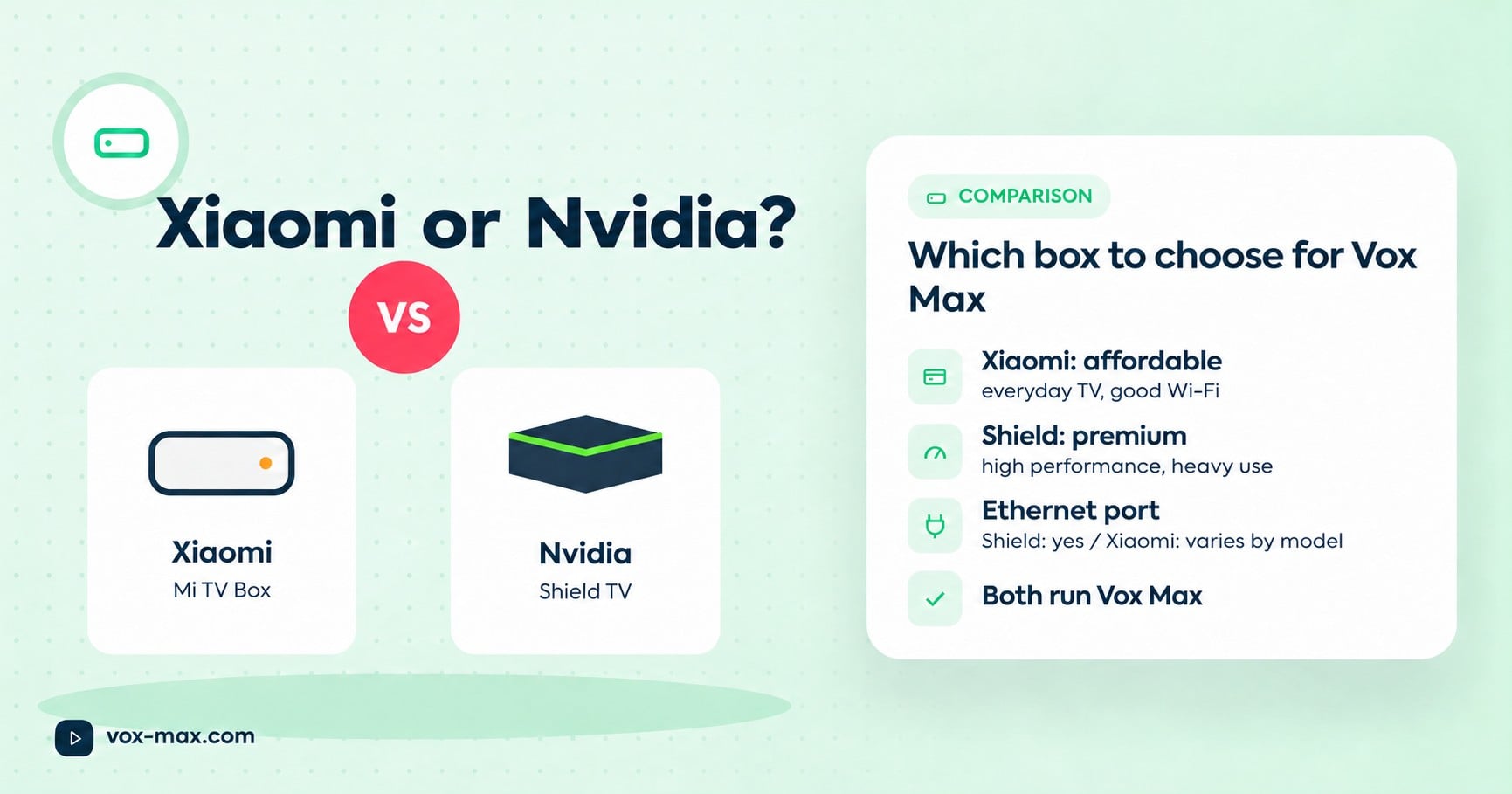
Both run the Vox Max app and both are recommended on the site. The short version: Xiaomi Mi Box / Mi TV Box is the affordable, compact choice, ideal if you mainly watch TV and have good Wi-Fi near the set. Nvidia Shield, especially the Shield TV Pro, is the premium option, with more performance headroom and an Ethernet port, ideal if you want the most stable setup and a box that will last for years.
The app and installation steps are identical on both. What differs is budget, connectivity, the remote, and how much you'll lean on the device over the coming years. Below you'll find the criteria, a comparison table and a third option worth knowing about.
What matters for TV streaming
When picking a box for internet TV, weigh these in roughly this order:
- Google-certified Android TV or Google TV. It means Google Play access and security updates.
- An Ethernet port. We recommend a wired connection for stability, and whether a box has one varies by model, even within the same brand.
- Performance headroom. A faster processor and more memory keep menus smooth as apps grow with updates.
- Storage. Matters if you install lots of apps alongside Vox Max.
- The remote. You'll use it every day, so clear buttons and ideally voice search help.
- How long updates last. A box that keeps getting updates stays useful and secure for longer.
Xiaomi Mi Box / Mi TV Box: who it suits
Xiaomi is the pick if you want something simple and affordable:
- you mostly use it for TV, not games or heavy apps
- your Wi-Fi is strong in the TV room, or you're happy to use a network adapter if the model supports one
- you want a small box that's easy to move or take with you when you change flats
- you're working to a tighter budget
Nvidia Shield: who it suits
Nvidia Shield is the pick if you want more:
- you want a wired connection: Shield TV and Shield TV Pro both have Ethernet
- you use your TV heavily, with plenty of apps besides Vox Max
- you want performance in reserve for the years ahead
- you're happy to pay more for a premium device
The Vox Max site also points to Nvidia Shield TV Pro as the upgrade path for anyone who has tried Fire TV and wants a smoother experience.
Side-by-side comparison
This table sticks to well-known, general differences. Exact specs change between generations, so always check the current model's spec sheet.
| Xiaomi Mi Box / Mi TV Box | Nvidia Shield / Shield TV Pro | |
|---|---|---|
| Positioning | Affordable | Premium |
| Size | Compact | Compact (Shield TV) or a larger box (Shield TV Pro) |
| Ethernet port | Varies by model; many don't have one | Yes, on Shield TV and Shield TV Pro |
| Performance headroom | Enough for TV | High |
| Best for | Everyday TV, tight budget, good Wi-Fi | Stable wired setup, heavy use |
| System | Android TV / Google TV (check model) | Android TV |
| Runs Vox Max | Yes | Yes |
A third option: Google TV Streamer 4K
The Vox Max site also recommends the Google TV Streamer 4K. It runs Google TV, has Google Play built in and gets its updates straight from Google, so it's worth a look if you want Google's own hardware. As with the others, check the spec sheet for the ports you need.
Installation: same app, same steps
Whichever you choose, setup is identical:
- Connect the box to your TV over HDMI and to the internet (ideally by cable).
- Install Vox Max from Google Play, or with "Downloader by AFTV News" using the installation code emailed to you at registration.
- Sign in with the details sent by email (or phone), which are also in your customer account.
Follow the Android TV installation guide for every screen. If playback has problems after installation, see the Vox Max FAQ on connections and devices.
Quick decision guide
- Need Ethernet without adapters? Nvidia Shield TV / Shield TV Pro.
- Want the most affordable route and have strong Wi-Fi? Xiaomi Mi Box / Mi TV Box.
- Want Google TV straight from Google? Google TV Streamer 4K.
- Still unsure? Run the free 24-hour trial on a device you already own, or ask support on Telegram (@vox_max_com) or at [email protected].
Plan options are listed under plans and pricing.
Frequently asked questions
Does Vox Max run equally well on both?
It's the same app, and both devices are recommended on the site. Differences come from your connection (cable or Wi-Fi) and the device's performance headroom.
Do I really need an Ethernet port?
It isn't mandatory, but a wired connection is recommended for stability.
Can I use either box with a Samsung or LG TV?
Yes, over HDMI. A native Samsung and LG app is in development.
Can I move the box to another TV?
Yes. Plug it into the other TV's HDMI port and the internet, and the app stays installed.
More guides
-
Setup and devices
How to install Vox Max on Android TV: step-by-step guide
Install Vox Max from Google Play or with Downloader, sign in with your emailed details, and fix the most common setup problems.
-
Romanian TV abroad
Romanian television abroad
Watch Romanian television abroad with Vox Max: live channels, Playback for up to 7 days, films and series, with P2P delivery and access on up to 5 devices at once.
-
Setup and devices
Vox Max Android mobile app: features and installation
Download the Vox Max Android mobile app directly from the website. Explore P2P, Playback, EPG, casting, Light and Dark Mode, subtitles, and portrait or landscape viewing.