Romanian TV on your phone abroad with Vox Max
Watch Romanian TV on your phone abroad with the Vox Max Android Mobile app: what you need, how to get started and how Live TV and Playback fit around your day.
In this guide
- What you need to watch Romanian TV on your phone abroad
- Getting started: from your account to the first channel
- Live TV or Playback: fit viewing around your schedule
- Watching through Wi-Fi and mobile data
- Using your phone's screen
- The same account on your phone and television
- What to check during the 24-hour trial
- Frequently asked questions
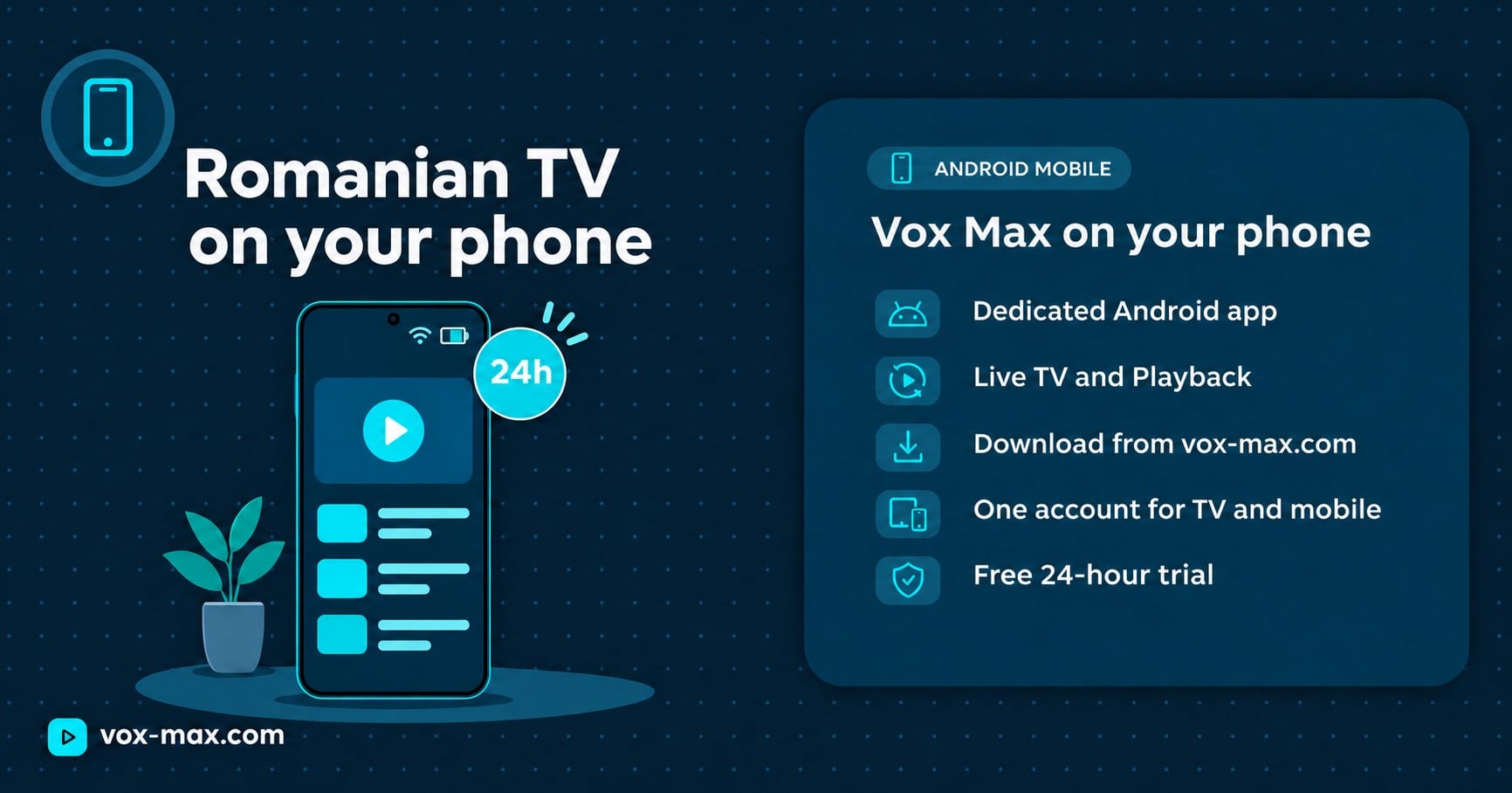
You can watch Romanian TV on your phone abroad through the Vox Max app for Android mobile devices. It gives you access to live channels, programmes available in Playback, and the film and series library, using the same account as on Android TV. For a phone or tablet, download the Android Mobile version directly from the official Vox Max website.
If you live outside Romania, your phone can be the screen you use for the morning news or an evening programme. This guide explains what you need and how to fit viewing around your everyday routine.
What you need to watch Romanian TV on your phone abroad
Before you start, prepare three things:
- A compatible Android phone or tablet.
- A Vox Max account with active access, including the free trial for new users.
- A stable internet connection through Wi-Fi or mobile data.
Install the Android Mobile app on your phone. The Android TV version is designed for televisions, remote controls and compatible TV devices. A file intended for a television is not the right choice for a touchscreen.
Vox Max does not currently offer an app for iPhone or iPad. If you have an Apple device, do not download the Android file: it cannot be installed on iOS or iPadOS.
Getting started: from your account to the first channel
You do not need a separate account for your phone if you already use Vox Max on your television. Your login details are the same.
- Create an account on the website, if you do not have one. Complete the required phone number and email verification using the OTP codes.
- Open vox-max.com in your Android phone's browser. Find the Android Mobile section.
- Download the mobile app. The website also has an Android TV section, so check that you have chosen the correct version.
- Install the downloaded file. If Android requests installation permission, first check that you downloaded the app from the official website, then follow your phone's instructions.
- Open Vox Max and sign in. Go to Live, choose a channel and check playback.
- Try Playback or a film too. This helps you see how the app behaves with different types of content.
For installation instructions and a tour of the interface, read the Vox Max Android mobile app guide. Here, we focus on using the service on your phone while living abroad.
Live TV or Playback: fit viewing around your schedule
Live TV lets you watch a channel while its programme is being broadcast. If you work shifts or get home after a programme has started, check whether it is available in Playback.
Vox Max offers Playback for up to 7 days, for recordings that exist in the archive. Do not assume every programme is available: check the channel and programme you want to revisit in the app.
This is also useful when broadcast times in Romania do not suit your free time. Instead of arranging your evening around a live broadcast, you can choose an available recording. Find more details in the guide to catch-up TV and Playback.
Watching through Wi-Fi and mobile data
At home, start your trial using a stable Wi-Fi connection. If the signal is weak in one room, compare playback near the router before drawing conclusions about your phone or the app.
For your home internet connection, Vox Max recommends at least 100 Mb/s. This recommendation concerns the connection's capacity; it does not mean the app constantly uses 100 Mb/s. The signal reaching your phone still matters, even if your broadband plan has a high advertised speed.
If you also use a streaming device with your television, Vox Max recommends an Ethernet cable where the equipment supports it. On your phone, focus first on the quality of Wi-Fi or the mobile network.
When using mobile data, check your allowance, roaming terms and coverage where you are. Video viewing uses data, and consumption varies with viewing quality and duration.
Vox Max uses P2P distribution, in which participating devices can also contribute to transmitting video segments. Test the service on the network you expect to use regularly.
Using your phone's screen
The mobile interface is designed for touch navigation. You can browse menus with your phone held vertically and use landscape orientation for a wider viewing area.
If the picture does not rotate, check your phone's rotation setting and the options available in the player. The TV guide, known as EPG, helps you see available programme information before choosing a channel.
For films and series, you can select subtitles and audio tracks when the title includes them. Language availability varies from one programme to another.
The same account on your phone and television
A Vox Max account supports simultaneous access on up to 5 devices, including devices in different locations, according to the service's published information. Your phone can therefore complement television viewing without a separate subscription for each type of screen.
Install the dedicated version on each device: Android Mobile on your phone or tablet, and Android TV on compatible TV equipment. Keep your login details secure.
The mobile app also supports casting to compatible Android TV devices. If you want to use this at home, test the receiving device and follow the connection instructions in the app.
What to check during the 24-hour trial
The free Vox Max 24-hour trial is for new users. Use it on the phone and connection you expect to use every day:
- Watch the channels you are interested in at your usual viewing times.
- Check the TV guide and a programme available in Playback.
- Try portrait and landscape viewing.
- Test subtitles on a title that includes them.
- Check Wi-Fi and mobile data separately if you intend to use both.
If playback is interrupted, note your phone model, app version, channel and the time of the problem. Try another channel and another connection when possible. These comparisons help support identify the cause; an interruption should not automatically be attributed to your phone or internet provider.
Before choosing a plan, check the Vox Max subscriptions, including their duration and renewal terms.
Frequently asked questions
Can I watch Romanian TV on my phone while living abroad?
Vox Max is aimed at Romanians living abroad and offers a dedicated Android Mobile app. Test access on your own device and connection before choosing a subscription.
Where do I download the phone app?
Directly from vox-max.com, in the Android Mobile section, using your Android phone's browser. Choose this version for a phone or tablet.
Can I use the same account as on Android TV?
Yes. You use the same login details, and the account supports up to 5 devices simultaneously. Each device needs the app intended for its platform.
Is there a Vox Max app for iPhone?
Vox Max does not currently offer an app for iPhone or iPad. The Android file available on the website is not compatible with these devices.
Can I watch a programme after it has aired?
Yes, if its recording is available in Playback. The Vox Max archive provides access for up to 7 days, subject to existing recordings for the channel and programme concerned.

More guides
-
Romanian TV abroad
Romanian television abroad
Watch Romanian television abroad with Vox Max: live channels, Playback for up to 7 days, films and series, with P2P delivery and access on up to 5 devices at once.
-
Romanian TV abroad
P2P vs traditional IPTV: benefits and real differences
P2P vs traditional IPTV: how peer-to-peer delivery can share traffic more efficiently, where it helps and why testing on your own device matters.
-
Romanian TV abroad
P2P streaming in the UK: Romanian TV on Android devices
P2P streaming in the UK with Vox Max: learn how the technology works, explore its benefits and try Romanian TV on your television or Android mobile device.