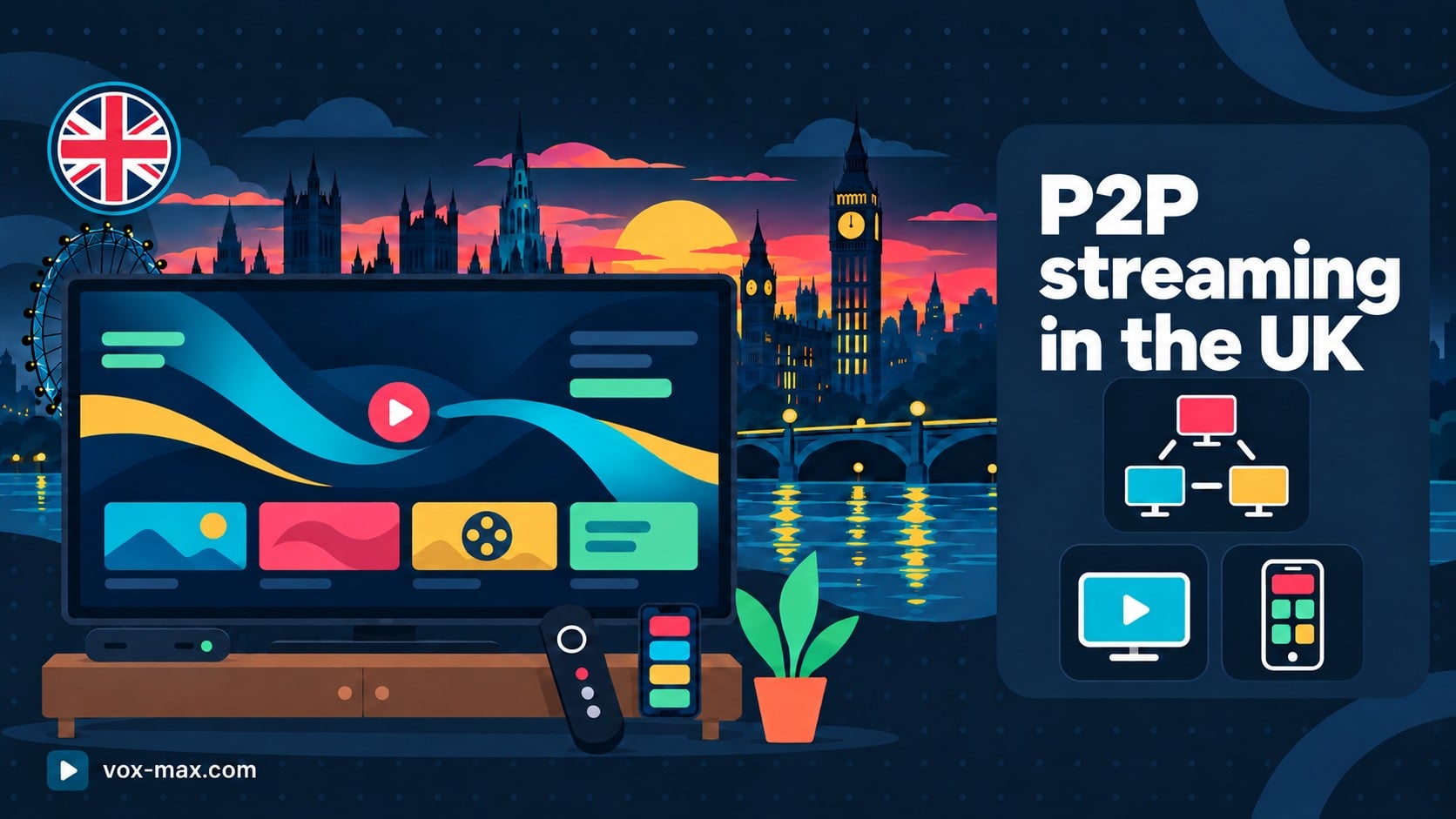
P2P streaming in the UK: Romanian TV on Android devices
P2P streaming in the UK with Vox Max: learn how the technology works, explore its benefits and try Romanian TV on your television or Android mobile device.
In this guide
Looking for P2P streaming in the UK to watch Romanian TV on your television or phone? Vox Max uses P2P technology through its dedicated app and offers a free 24-hour trial. You can check how the service works on your own UK internet connection before choosing a subscription.
For Romanians living in the UK, a good viewing experience involves more than finding a channel. The right app, the ability to catch up on programmes and support for the devices at home all matter. This guide explains the role of P2P and how to assess it in everyday use.
What is P2P streaming and how does it work?
P2P stands for Peer-to-Peer. In this type of streaming system, a broadcast is divided into small pieces, and participating devices can both receive and pass on video segments. The app manages the exchange of data and playback.
The key difference is the contribution made by participants: they can provide upload capacity as well as use bandwidth for viewing. Distribution can therefore draw on resources from several devices to deliver the same content.
For you, the process remains straightforward: open the app, choose a programme and watch. You do not need to manage video segments manually. The technology works in the background, and its performance is best assessed on the television and internet connection you normally use.
What benefits can P2P bring to viewers in the UK?
Shared distribution of content
When several participants watch the same broadcast, segments they have already received can be passed on to others. This approach can make more efficient use of the capacity available across the network.
That is a benefit of how content is delivered. Picture quality still depends on the available broadcast, the app and the device you use.
Additional resources from participating viewers
In a well-managed P2P implementation, participants can contribute upload capacity to distribution. A growing audience can therefore bring additional delivery resources.
The benefit depends on connection quality and the availability of video segments. This makes a viewing session at your usual watching time, including the evening, a useful practical test.
More ways to receive video segments
P2P distribution can allow an app to obtain segments from different participants. That flexibility can help maintain playback when the network and app are working well.
P2P does not remove the effects of weak Wi-Fi or a disconnected internet connection. For a good viewing experience in your UK home, the distribution technology and your local network need to work together.
Romanian TV in the UK: what does Vox Max offer?
Vox Max combines streaming through its app with features that are useful when watching Romanian programmes abroad:
- Live TV: access to the channel selection available through the service.
- Up to 7 days of catch-up: return to programmes that are available in the archive.
- Films and series: access to the video library included in the service.
- Up to 5 devices at the same time: try the service on the screens you need.
- Apps for Android TV and Android mobile: choose the version designed for your device.
- A free 24-hour trial: check how the service works before choosing a plan.
If you work shifts or arrive home after a programme has aired, catch-up can be particularly useful. Check the app to see whether the programme you want is available to replay.
For pricing, see the Vox Max subscription plans, including the options in pounds sterling. Check the amount shown at checkout and the renewal terms for your chosen plan.
Which device should you use?
For your television, use a compatible Android TV or Google TV device. Vox Max recommends devices including Nvidia Shield, Xiaomi Mi Box and Google TV Streamer 4K. Follow the Vox Max installation guide for Android TV for the setup steps.
For an Android phone or tablet, install the mobile version. The television and mobile apps are separate versions, so choose the correct download from the official sources provided by Vox Max.
If you have a Samsung or LG television, you can connect a compatible Android TV device through HDMI. Read the Vox Max guide for Samsung and LG televisions before buying equipment.
Watching through the internet does not require a satellite dish. This can be practical in rented accommodation, where you may prefer a setup that uses your television, a compatible device and your existing internet connection.
How to test P2P streaming in the UK
- Prepare your main device. Install the correct app and check for available device updates.
- Activate the free trial. Follow the Vox Max 24-hour trial guide and the sign-in instructions you receive.
- Watch the programmes that interest you. Try several channels and a catch-up programme, where available.
- Use your normal home setup. Test at the time you usually watch and, if needed, with more than one device active.
- Note the experience. Check how quickly channels start, how smoothly the picture moves, whether sound stays in sync and how the app responds.
Do more than watch for a few seconds after installation. A longer session gives you a better idea of how the service performs on your connection. If your television uses Wi-Fi, comparing it with Ethernet, where possible, can help you assess the effect of your local network.
What should you check if playback is interrupted?
Start by checking whether the issue affects one channel or several. Then see whether it also occurs on another device, or only in a particular room or at certain times. These details help narrow down the cause.
Upload capacity can also matter for P2P streaming. If you are sending large files or running a cloud backup at the same time, pause that activity temporarily and compare playback.
On Wi-Fi, try moving closer to the router. For your television, use an Ethernet cable if the equipment supports it. Check the current connection requirements in the Vox Max FAQ.
If the issue continues, give support your device model, app version, affected channel, approximate time and connection type. A precise description is more useful than simply reporting that the picture freezes.
Frequently asked questions
Can I use Vox Max in the UK without a satellite dish?
Yes. You watch through the internet using the app and a compatible device. You need a connection suitable for streaming.
Is the Android TV app the same as the phone app?
There are dedicated versions for television and Android mobile devices. Install the version intended for your device using the official sources provided by Vox Max.
Can I watch programmes after they have aired?
Vox Max offers up to 7 days of catch-up. Check the app for the availability of the programme you want to watch again.
Does P2P guarantee uninterrupted playback?
P2P can offer distribution benefits, but playback also depends on your connection, device and the broadcast. The 24-hour trial lets you check the experience in your own setup.
Can I use the service on several screens?
The Vox Max offer includes access on up to 5 devices simultaneously. Test the screens you need and check your subscription details before activating a plan.
More guides
-
Romanian TV abroad
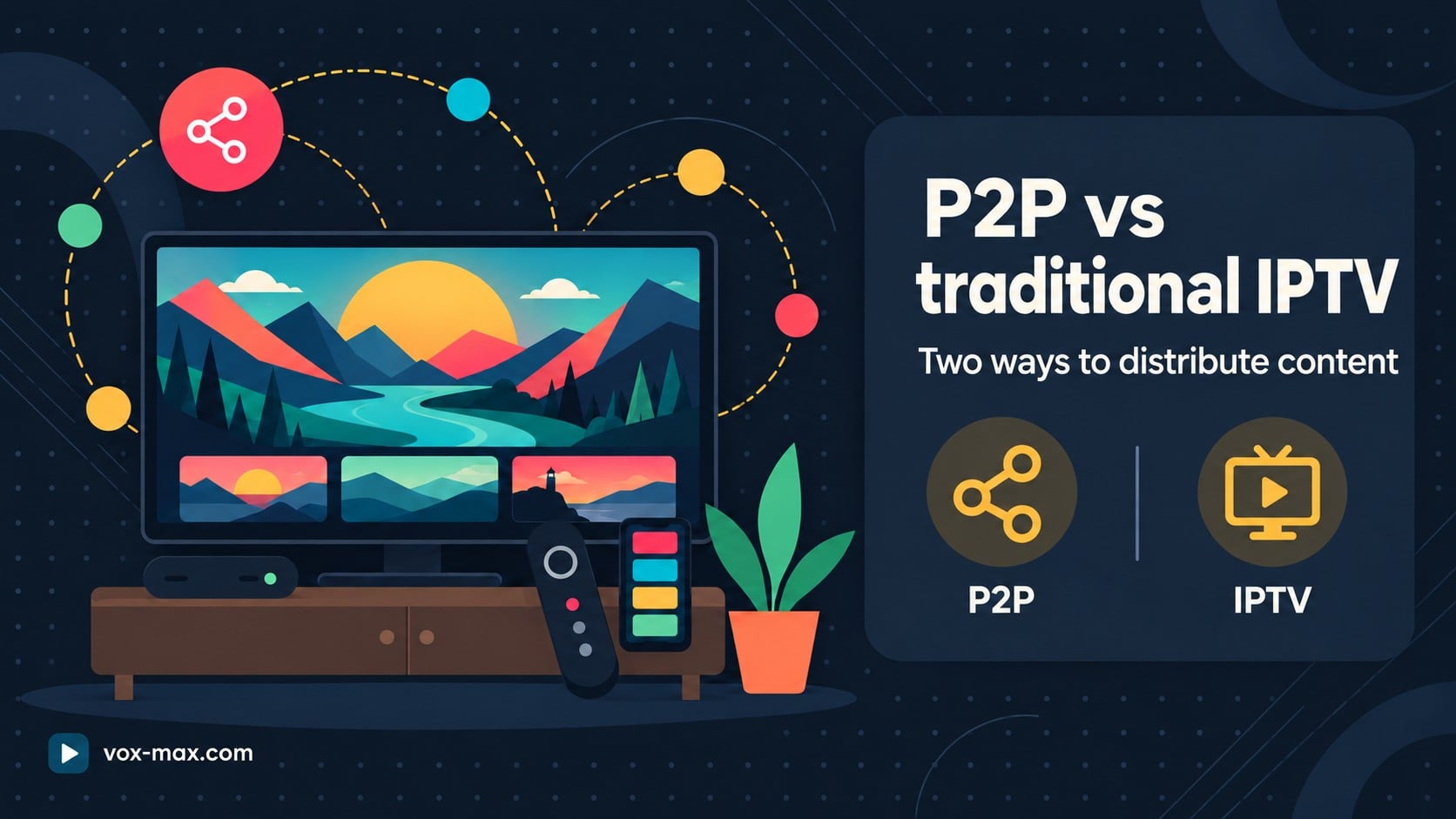
P2P vs traditional IPTV: benefits and real differences
P2P vs traditional IPTV: how peer-to-peer delivery can share traffic more efficiently, where it helps and why testing on your own device matters.
-
Romanian TV abroad
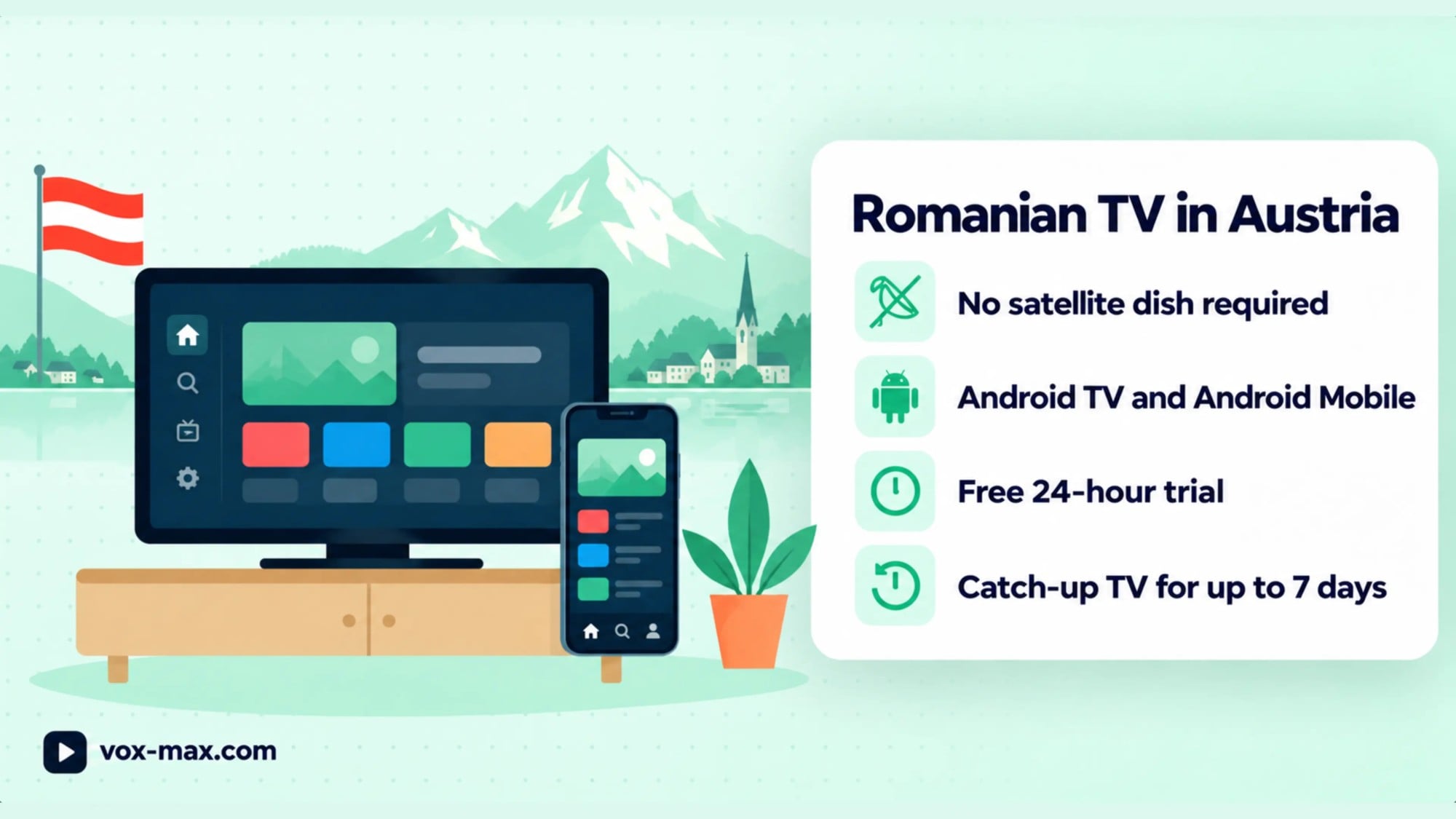
Romanian TV in Austria Without a Satellite Dish: Setup Guide
Watch Romanian TV in Austria on a compatible Android TV device or Android phone. Learn which app to install and what to check during the free 24-hour trial.
-
Romanian TV abroad
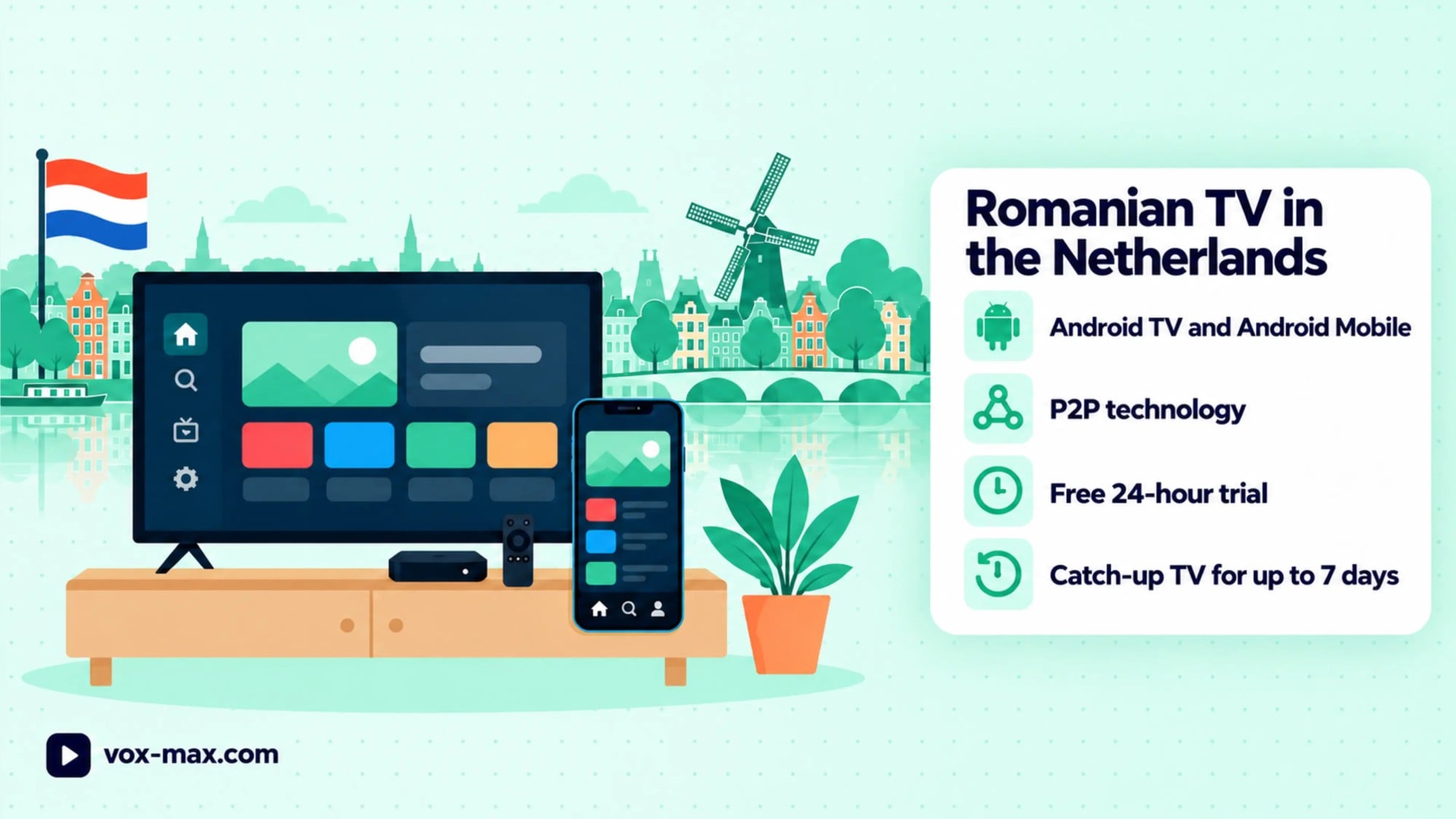
Romanian TV in the Netherlands: How to Watch from Home
Watch Romanian TV in the Netherlands using Android TV or Android Mobile, with a practical P2P setup, free 24-hour trial and seven-day Playback.