Vox Max on Samsung and LG Smart TVs: what works today
A native Samsung and LG app is on the way. Until then, an Android TV box plugged in over HDMI is the simple, stable way to watch.
In this guide
Short answer: there's no native Vox Max app for Samsung or LG TVs yet. We're working on one and it will be available soon, but we can't give a release date. For now, the recommended setup is simple: plug an Android TV device (a streaming box) into your TV's HDMI port and install Vox Max on that. Your Samsung or LG stays the screen; the box runs the app.
Below you'll find why these TVs are different, how to check which system your TV runs, and what to look for in a box.
Why Samsung and LG are different
Smart TVs run one of a handful of operating systems, and apps have to be built separately for each one:
- Samsung TVs generally run Tizen.
- LG TVs generally run webOS.
- Many other brands (for example some Sony, Philips, TCL or Hisense models) run Android TV or Google TV.
Vox Max is built for Android TV and Google TV. It isn't available in the Samsung or LG app stores, and Android apps can't run on Tizen or webOS. That's why, for the time being, Samsung and LG owners need a small external device.
How to check which system your TV runs
It takes about a minute:
- Press Home or Settings on your remote.
- Open Support, About or TV information (Samsung: Settings > Support > About This TV; LG: Settings > General > About This TV).
- Note the model number and software version.
- If you see the Google Play Store among your apps, your TV runs Android TV or Google TV and you can install Vox Max directly.
The recommended fix today: an Android TV box over HDMI
An Android TV box makes any TV with an HDMI port Vox Max-ready. The devices recommended on our site are:
- Nvidia Shield / Shield TV Pro
- Xiaomi Mi Box / Mi TV Box
- Google TV Streamer 4K
Check before you buy
- Your TV has a free HDMI port (nearly all modern TVs do).
- There's a power socket near the TV for the box.
- The box runs genuine Android TV or Google TV with Google Play, not a modified system.
- It has an Ethernet port, or you can add an adapter. A wired connection gives the most stable picture.
- You have a Google account to use on the box.
Hooking it up
- Plug the box into the TV's HDMI port and into the mains.
- Press Source / Input on the TV remote and choose that HDMI input.
- Complete the box's setup: language, network, Google account.
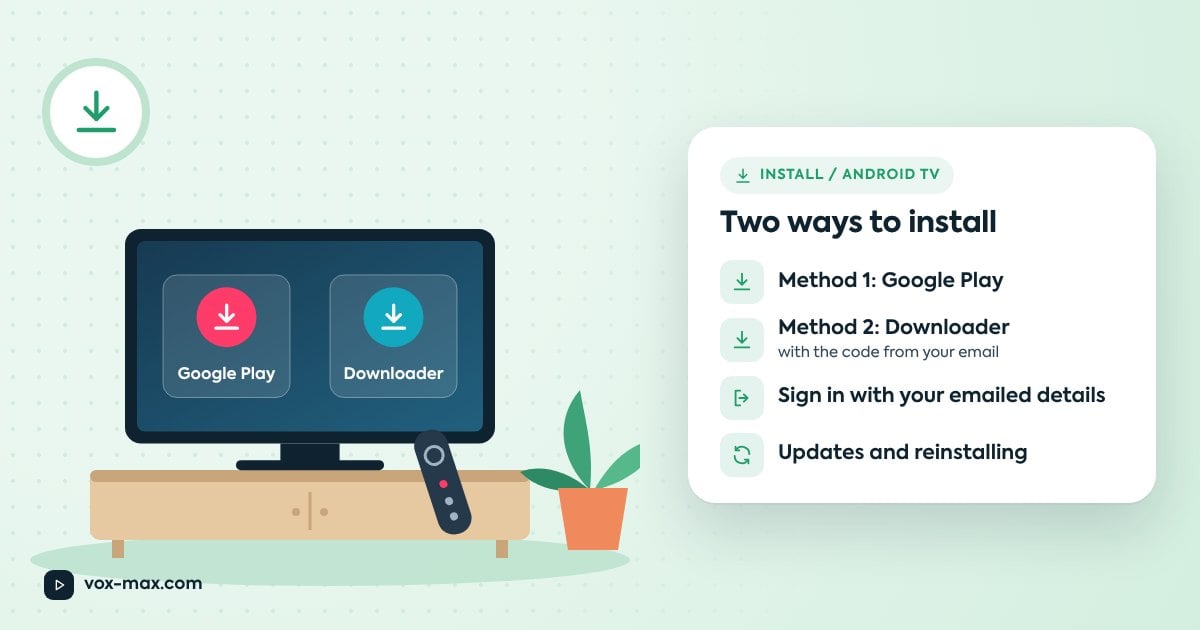
- Install Vox Max by following our Android TV installation guide.
Your TV: what to do
| Your TV | What to do now |
|---|---|
| Samsung (Tizen) | Connect an Android TV box over HDMI and install Vox Max on the box. |
| LG (webOS) | Connect an Android TV box over HDMI and install Vox Max on the box. |
| Android TV / Google TV set | Install Vox Max straight from Google Play on the TV. |
| Older non-smart TV with HDMI | Connect an Android TV box over HDMI. |
| Amazon Fire TV | The app can be installed with Downloader, but Amazon devices may have performance limits; a capable Android TV box gives the best experience. |
What's next
The native Samsung and LG app is in development and will be available soon. We won't announce a date until it's ready, and we'll update this article when it launches. In the meantime, an Android TV box isn't wasted money: it works with other streaming apps too, and you can move it to another TV whenever you like.
Questions about your particular TV? Message us on Telegram at @vox_max_com or email [email protected] with the brand and model.
Frequently asked questions
When will the Samsung and LG app be released?
It's in development and coming soon, but there's no announced date yet. Today's recommendation is an Android TV box connected over HDMI.
Can I watch Vox Max in my Samsung or LG TV's web browser?
Vox Max is designed around its Android TV and Google TV app. For a stable experience on the big screen, use an Android TV box.
Can I try it with a box before choosing a plan?
Yes. Once the box is connected and the app installed, you can use the free 24-hour trial. Plans are listed in our pricing section.
Will a box work with an older TV?
Yes, as long as the TV has a free HDMI port. The box adds all the smart features, even if the TV has none of its own.

More guides
-
Setup and devices
How to install Vox Max on Android TV: step-by-step guide
Install Vox Max from Google Play or with Downloader, sign in with your emailed details, and fix the most common setup problems.
-
Romanian TV abroad
Romanian TV in Austria Without a Satellite Dish: Setup Guide
Living in Austria? Learn how to watch Romanian TV online without a satellite dish, set up Vox Max on Android TV and test it free for 24 hours.
-
Romanian TV abroad
Romanian TV in the Netherlands: How to Watch from Home
A practical Netherlands guide to Romanian TV: compatible devices, Vox Max installation, the 24-hour free trial and catch-up viewing.