Romanian TV in Austria Without a Satellite Dish: Setup Guide
Living in Austria? Learn how to watch Romanian TV online without a satellite dish, set up Vox Max on Android TV and test it free for 24 hours.
In this guide
- What equipment do you need?
- What about Samsung and LG smart TVs?
- Install Vox Max in five steps
- Make the most of the free 24-hour trial
- Austria and Romania: the one-hour difference
- Internet TV versus a satellite dish in Austria
- Choose a service based on the experience, not just channel counts
- Frequently asked questions
- Try Romanian TV at home in Austria
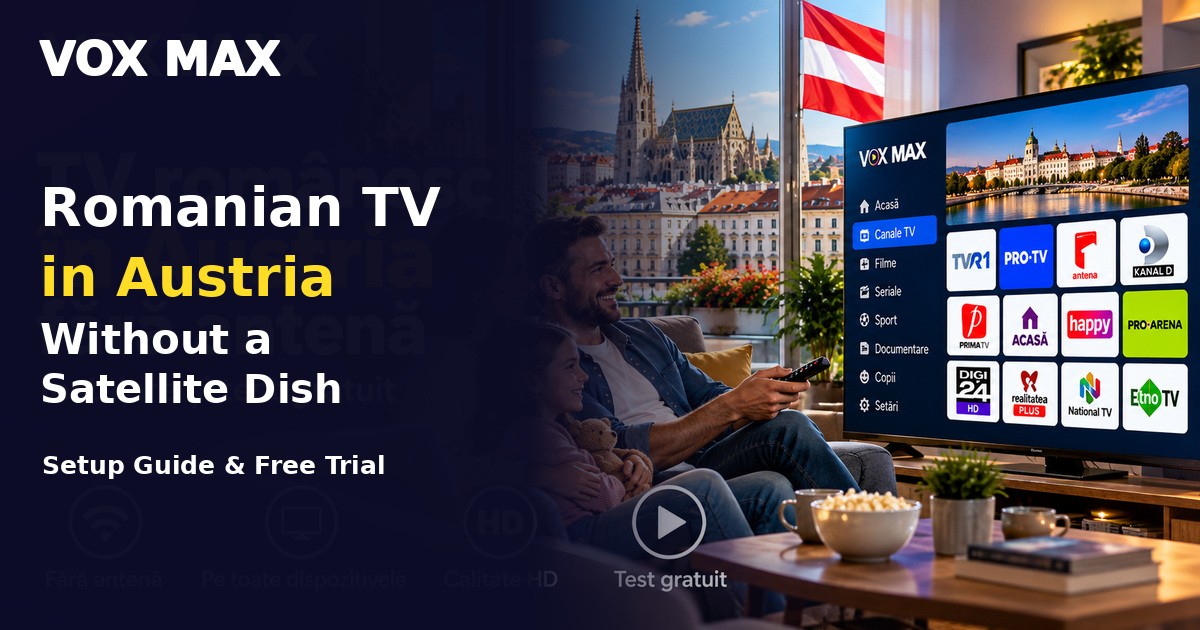
Looking for Romanian TV in Austria without a satellite dish? You can watch internet-based television using a reliable broadband connection and a compatible Android TV or Google TV device. Vox Max offers a 24-hour free trial so you can test your setup before deciding whether to subscribe.
Whether you live in Vienna, Graz, Linz, Salzburg or elsewhere in Austria, this guide explains the required equipment, installation process, time difference and practical troubleshooting checks.
What equipment do you need?
Prepare a stable home internet connection, a television and a compatible Android TV or Google TV device. The operating system may be built into your TV, or you can connect a separate streaming box over HDMI. Xiaomi Mi Box and Nvidia Shield are examples of Android TV devices.
You will also need a Vox Max account and the login details provided at registration. Where practical, wired Ethernet can offer a more consistent connection than Wi-Fi.
What about Samsung and LG smart TVs?
Not every smart TV runs Android TV. Samsung devices commonly use Tizen and LG televisions use webOS. Native Vox Max apps for these platforms are in development, so an external Android TV/Google TV device connected over HDMI is currently the practical option.
Read the Samsung and LG compatibility guide before buying additional hardware.
Install Vox Max in five steps
- Create an account at vox-max.com.
- Connect your compatible Android TV or Google TV device to the television and internet.
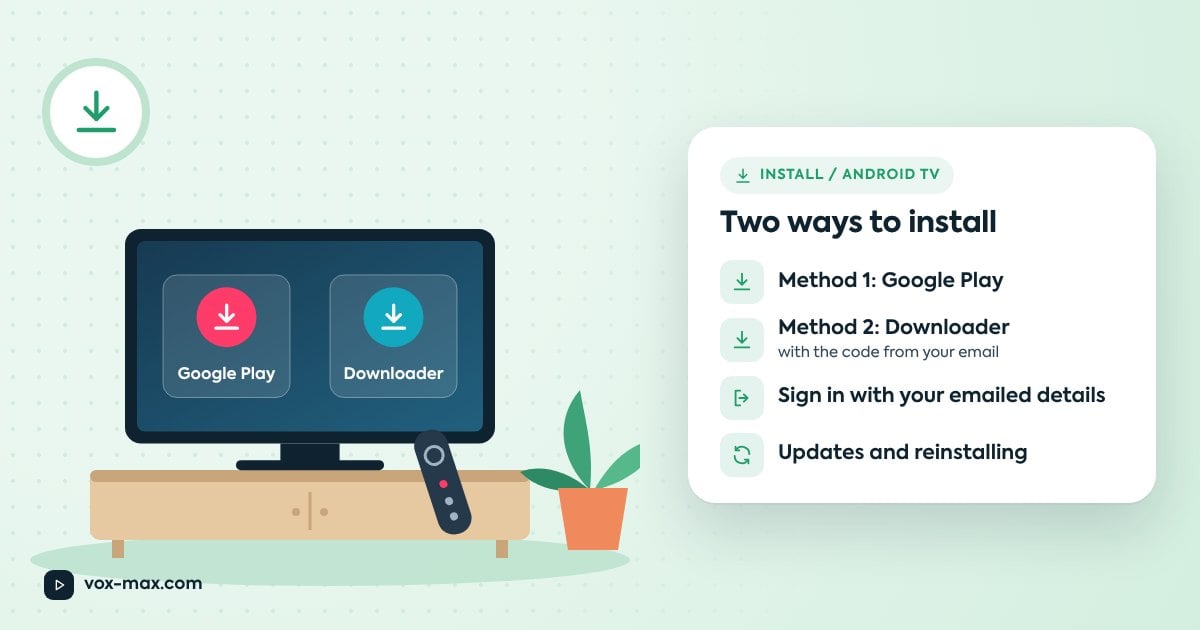
- Search for Vox Max in Google Play. If it is unavailable on your device, use Downloader with the official installation code sent at registration.
- Sign in with the account credentials provided by email or phone.
- Check a few live channels and catch-up programmes where available.
For screen-by-screen instructions, follow the Android TV installation guide. Never install the app using codes from unofficial sources.
Make the most of the free 24-hour trial
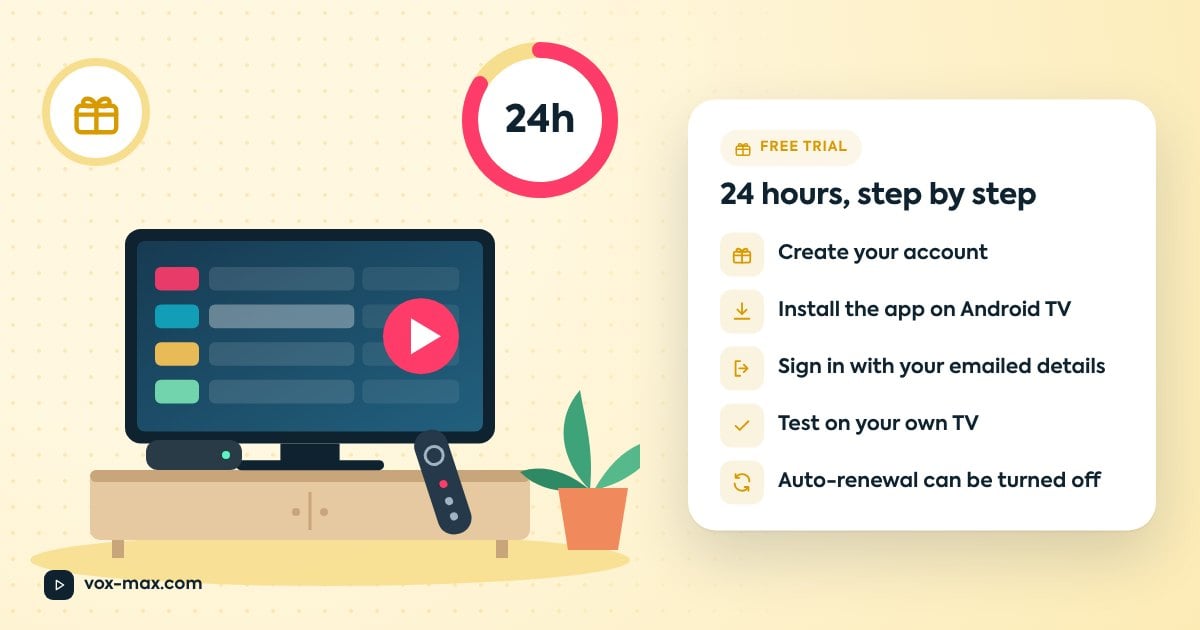
Use the 24-hour free trial on your everyday television and internet connection. A useful test includes checking picture stability during the evening, channel switching, remote-control responsiveness and catch-up availability for programmes you enjoy.
If possible, compare Wi-Fi with Ethernet. Test at the time of day you would normally watch TV rather than relying only on a daytime speed test.
Our Vox Max free-trial guide explains what happens when the trial ends. Current plans are listed on the pricing section.
Austria and Romania: the one-hour difference
Austria is normally one hour behind Romania. A programme starting at 21:00 in Romania begins at 20:00 in Austria. Both countries change their clocks seasonally, so the time difference usually stays the same.
If you work shifts or arrive home late, check whether your preferred programme is available in catch-up. Vox Max offers an archive of up to seven days on supported channels and programmes, but coverage varies. Read how catch-up TV works.
Internet TV versus a satellite dish in Austria
A satellite dish may require dedicated equipment, a suitable installation location and permission from a landlord or building manager. Internet television avoids installing a dish when you already have broadband and a compatible TV device.
Its main trade-off is reliance on your network. If streaming pauses, try a wired connection, move closer to your Wi-Fi router, or reduce competing downloads. See the streaming buffering guide.
Choose a service based on the experience, not just channel counts
Before subscribing, check whether your television is supported, which programmes are actually available, how stable streaming is in the evening, the subscription conditions and whether Romanian-language support is offered.
Do not assume that every Romanian channel or sports event is included. Confirm availability on the service and during your trial.
Frequently asked questions
Can I watch Romanian TV in Vienna without a satellite dish?
Yes. Internet television works without a satellite dish when you have compatible equipment and a stable connection.
Does Vox Max work on Samsung or LG smart TVs in Austria?
An external Android TV/Google TV device connected by HDMI is currently the practical solution while native apps are in development.
Is there a free trial?
Yes. Vox Max offers a free 24-hour trial before you decide on a subscription.
Can I replay programmes after they air?
Some supported programmes are available in catch-up for up to seven days. Availability varies by channel and programme.
What if streaming keeps buffering?
Check your network on the TV device, restart the router and compare Ethernet with Wi-Fi. Contact support if the problem persists.
Try Romanian TV at home in Austria
If you want Romanian television without a satellite dish, start with the Vox Max 24-hour trial. Test the channels, device and connection that matter to you before choosing a subscription.
For setup help, contact Vox Max on Telegram at @vox_max_com or email [email protected].
More guides
-
Romanian TV abroad
Romanian TV in the Netherlands: How to Watch from Home
A practical Netherlands guide to Romanian TV: compatible devices, Vox Max installation, the 24-hour free trial and catch-up viewing.
-
Plans and free trial
The Vox Max 24-hour free trial: how it works
How to start the free trial step by step, what to test in those 24 hours, and what happens when it ends.
-
Setup and devices
How to install Vox Max on Android TV: step-by-step guide
Install Vox Max from Google Play or with Downloader, sign in with your emailed details, and fix the most common setup problems.