Catch-up TV explained: using Playback for up to 7 days
Catch-up TV explained for Vox Max: using Playback on Android TV and mobile, understanding the archive of up to 7 days, and checking missing programmes.
In this guide
- What is the difference between live TV and Playback?
- How is the archive of up to 7 days created?
- Using Playback on Android TV
- Using Playback on Android mobile
- The programme guide is different from the archive
- Why is catch-up useful when you live abroad?
- What if a programme is missing or will not play?
- Your connection, the app and using several devices
- Frequently asked questions
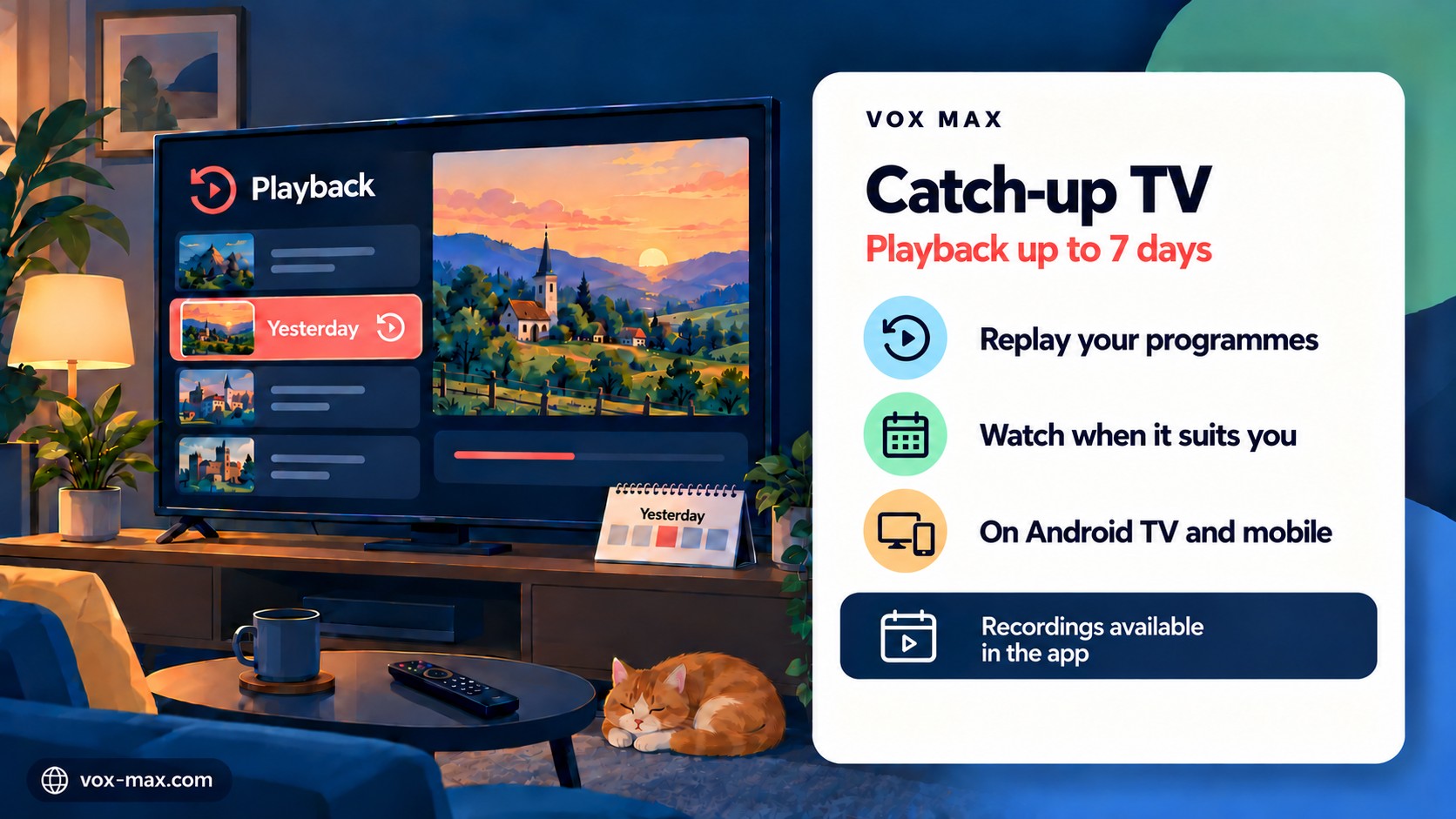
Catch-up TV explained: watch a programme after its broadcast when a recording is available. In Vox Max, the Playback feature gives you access to programmes in the archive for up to 7 days, on compatible Android TV and Android mobile devices.
For Romanians living abroad, the practical benefit is choosing a viewing time that suits you, even when the original broadcast clashes with work or other commitments. You do not need to schedule a personal recording before the programme starts.
What is the difference between live TV and Playback?
Live viewing follows what the channel is broadcasting at that moment. Playback lets you select an available recording of a programme broadcast earlier.
| Feature | Live TV | Playback / catch-up |
|---|---|---|
| What you watch | The channel's current broadcast | A previously broadcast programme that was recorded |
| When you watch | During the broadcast | When you choose, while the recording is available |
| How you select it | From the channel list | From the programmes available in Playback |
| Available period | The current broadcast | Up to 7 days back |
Playback is useful for news, shows, documentaries and other programmes you could not watch at their scheduled time. Check the recording you want in the app.
How is the archive of up to 7 days created?
The service makes recordings while the programmes are being broadcast. You do not need to keep your television switched on or set up a personal recording beforehand.
The limit of up to 7 days applies to recordings that exist in the archive. As time passes, older programmes fall outside that period. The archive is not a permanent collection of everything a channel has broadcast.
If a programme was not recorded, it cannot be recovered later simply because it aired within the previous seven days. Missing days of recordings cannot be added retrospectively either.
For an important programme, check availability in good time. Avoid waiting until the edge of the archive window.
Using Playback on Android TV
On a compatible television or TV box, use the Vox Max Android TV app, designed for remote-control navigation.
- Open the app and choose the channel that broadcast the programme.
- Access the Playback or archive option available in the interface. Follow the options shown in your installed version.
- Find the date and programme you want. Check the programme name and associated time.
- Select the available recording and start playback.
- Use the player controls shown on screen for the options available during the replay.
Menu positions and controls can differ between versions. For installation and choosing equipment, see the Vox Max Android TV guide.
Using Playback on Android mobile
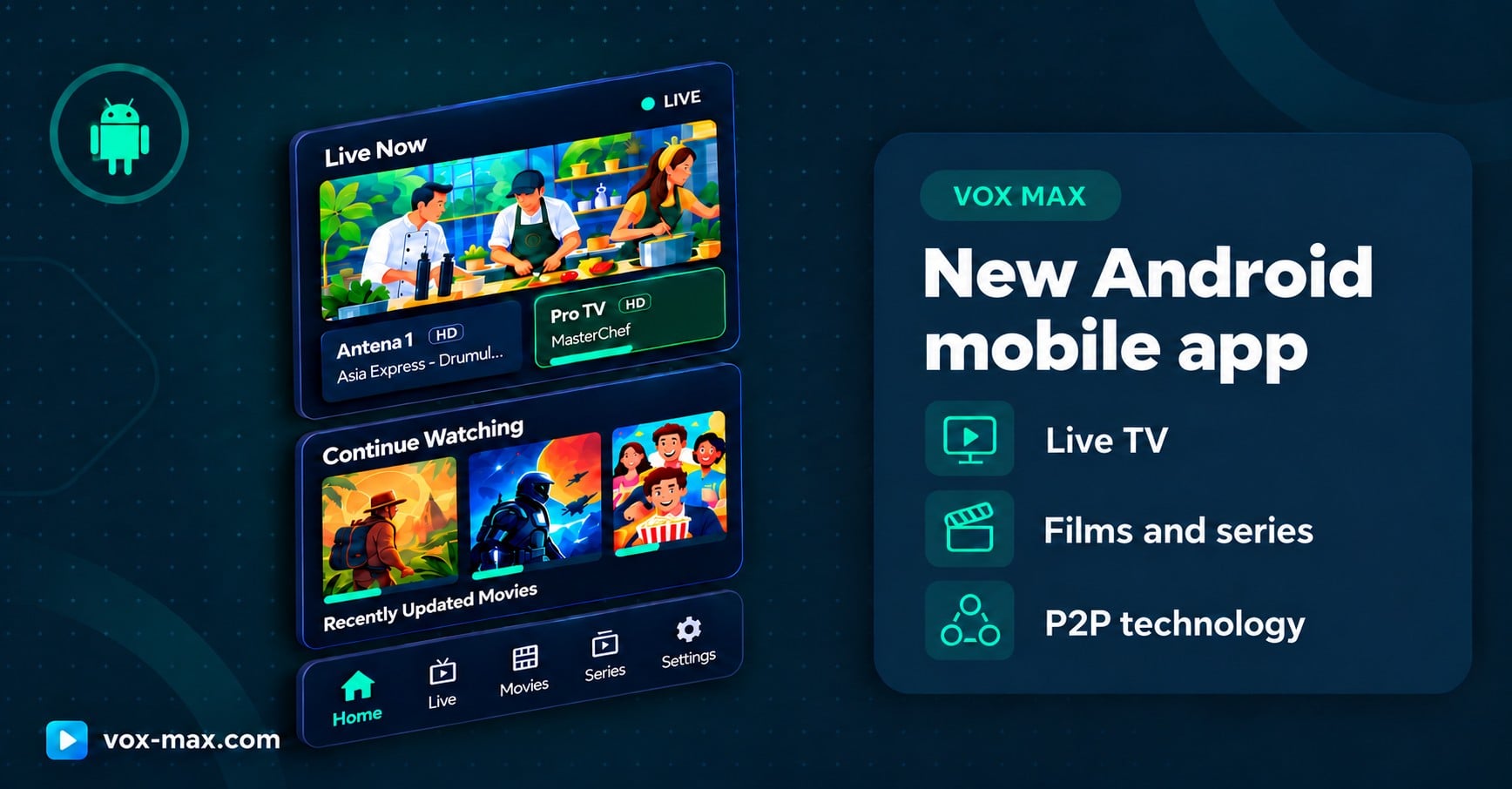
On your phone or tablet, install the Android mobile version, which is separate from the television app.
- Open the app and the Live section, then select the channel you want.
- Use the Playback option available in the interface to browse recorded programmes.
- Identify the day and programme, checking the programme information.
- Start the available recording and choose the screen orientation that suits your viewing.
The mobile interface is designed for touchscreen use. Read more about installation, the programme guide and other features in the Vox Max Android mobile app guide.
The programme guide is different from the archive
EPG means electronic programme guide. It helps you identify what is on, what comes next or what has been listed in a channel's schedule.
A programme appearing in the guide does not establish that a recording is available to replay. Check access to the programme through Playback.
This distinction helps when you can see a programme title but cannot start it: the schedule information and the recorded video are different things.
Why is catch-up useful when you live abroad?
Working hours and time differences can make live viewing inconvenient. Playback gives you more freedom to choose when to watch.
You can follow the news after getting home, watch a Saturday programme on Sunday or catch up on something you missed during a shift. The recording needs to be available in the archive.
When looking for a programme, check the day, time and information shown in the app. Take account of the time zone used by the guide, rather than assuming that every displayed time automatically matches your local time.
What if a programme is missing or will not play?
Start with these checks:
- Confirm the channel, date and time. A programme may have several editions or repeat broadcasts in the schedule.
- Check the available period. A programme older than the available archive window can no longer be accessed through Playback.
- Try another recording. This helps show whether the difficulty affects one programme or playback more generally.
- Compare with a live channel. If that also has problems, check the device's connection.
- Contact support at [email protected] or through the official channels listed on the website.
Include the channel, programme, date and time, device model and app version. The team can investigate; a recording that was never made cannot be created retrospectively from EPG information.
Your connection, the app and using several devices
Replays need a stable internet connection. Where your TV device supports it, Ethernet is recommended. Check playback on the device you actually use for viewing.
Vox Max uses P2P technology through its dedicated app. The delivery method and the existence of an archive recording are separate matters: P2P cannot recreate a programme that was not recorded.
One account can be used on up to 5 devices simultaneously, including from different locations. The connection quality matters at each location.
New users can test Playback during the free 24-hour trial. Afterwards, check the current plans and conditions.
Frequently asked questions
Can I watch every programme from the past 7 days?
You can watch programmes recorded and available through Playback. The limit of up to 7 days does not guarantee that every broadcast has a recording.
Do I need to leave my television on for recording?
No. The service makes the archive recordings. You do not need to schedule a recording on your own device.
Can a programme that was not recorded be recovered?
Not simply by opening the archive. If the recording does not exist, it cannot be generated later from programme-guide information.
Can I use Playback on my phone and television?
Yes, through the dedicated Android mobile and Android TV apps on compatible devices, within the limit of up to 5 simultaneous uses of the account.
Is Playback the same as the films and series library?
No. Playback provides replays of recorded TV programmes. On-demand films and series are in their own sections of the app.
More guides
-
Setup and devices
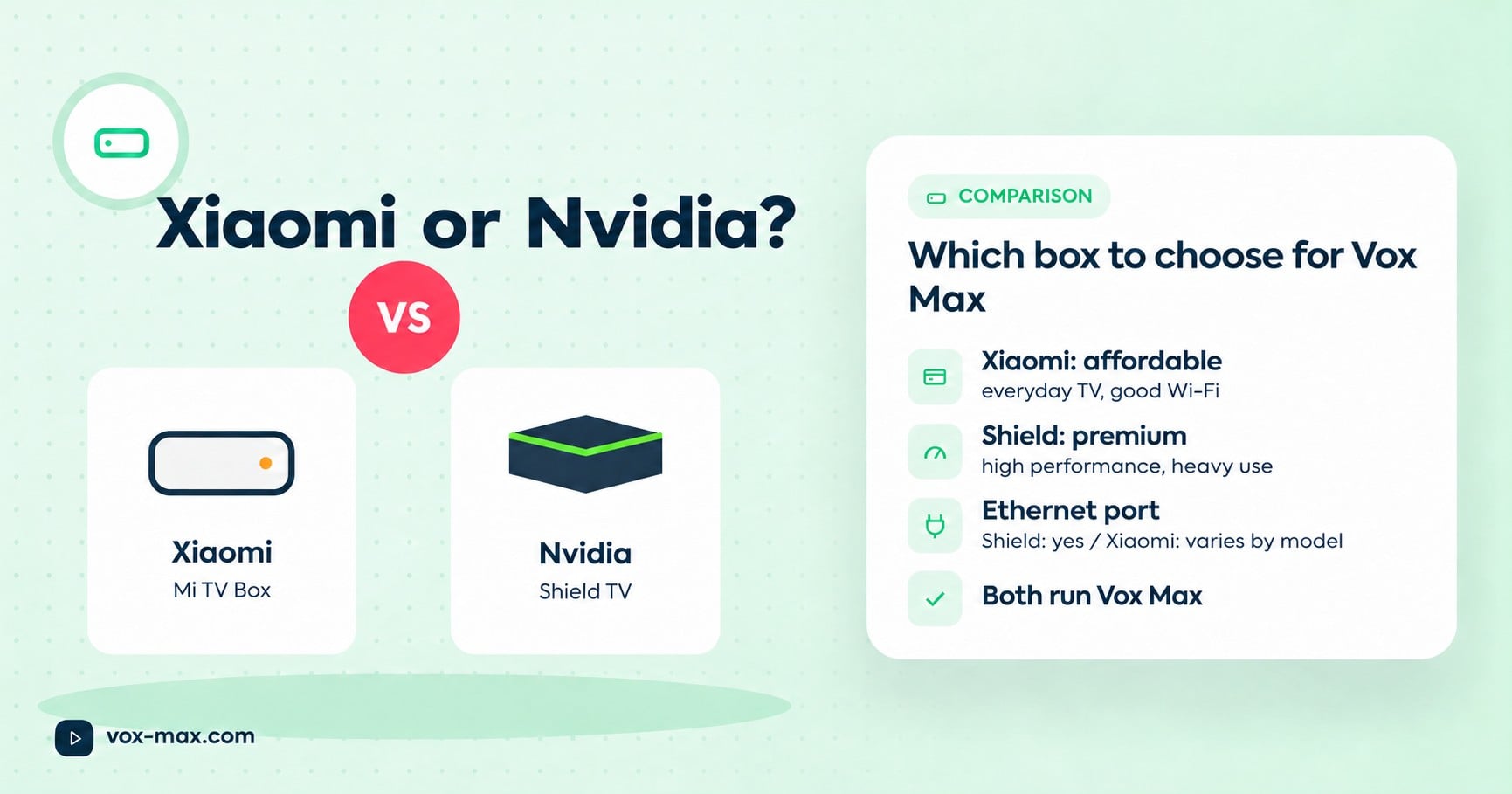
Xiaomi TV Box vs Nvidia Shield: which to choose for Vox Max
We compare the two streaming boxes recommended for Vox Max on the criteria that matter for TV streaming, so you can pick the right one for your home.
-
Romanian TV abroad
Romanian television abroad
Watch Romanian television abroad with Vox Max: live channels, Playback for up to 7 days, films and series, with P2P delivery and access on up to 5 devices at once.
-
Setup and devices
Vox Max Android mobile app: features and installation
Download the Vox Max Android mobile app directly from the website. Explore P2P, Playback, EPG, casting, Light and Dark Mode, subtitles, and portrait or landscape viewing.