Streaming TV buffering? Fixes for Android TV and mobile
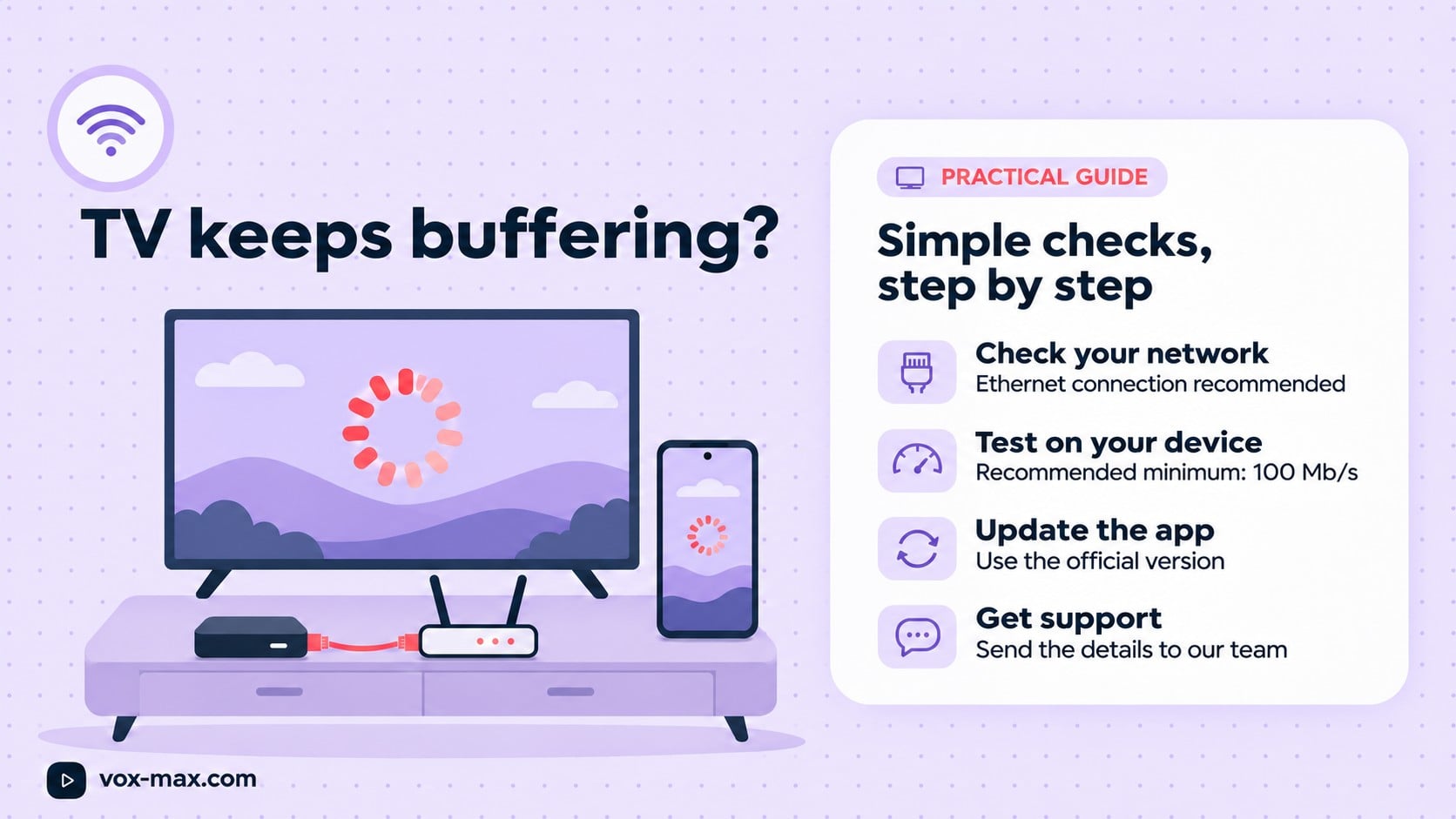
Streaming TV buffering? Check your device, app and connection. Vox Max recommends Ethernet for TV streaming and an internet connection of at least 100 Mb/s.
In this guide
- Start with Ethernet and a minimum 100 Mb/s connection
- An eight-step troubleshooting checklist
- How to narrow down the possible cause
- Test the connection on the streaming device itself
- Using Wi-Fi or the Android Mobile app
- Several screens, live channels and Playback
- When to contact support
- Frequently asked questions
If you are experiencing streaming TV buffering, start by checking how your streaming device connects to the internet and what speed it actually receives. For Vox Max, we recommend connecting your TV streaming device to the router by Ethernet cable and using an internet connection of at least 100 Mb/s (Mbps). On a phone or tablet, check your Wi-Fi connection and use the dedicated Android Mobile app.
Pauses can have different causes: the connection, the device, the app version or an issue affecting a particular channel or recording. The checks below help you narrow it down without assuming that either your broadband or the app is responsible.
Start with Ethernet and a minimum 100 Mb/s connection
For the television or streaming box you use with Vox Max, a direct Ethernet cable connection to the router is recommended. This means the link between the router and your streaming device does not depend on the Wi-Fi signal in the room.
If your box has an Ethernet port, connect the cable and check that the device is using its wired connection. If it needs an adapter, check compatibility with your exact model first. Adapters are not interchangeable across every streaming device.
The recommended minimum internet connection speed is 100 Mb/s. Stability also matters: the speed in your broadband package can differ from what reaches the device, particularly over Wi-Fi or while other people use the connection. See the Vox Max connection recommendations in the FAQ.
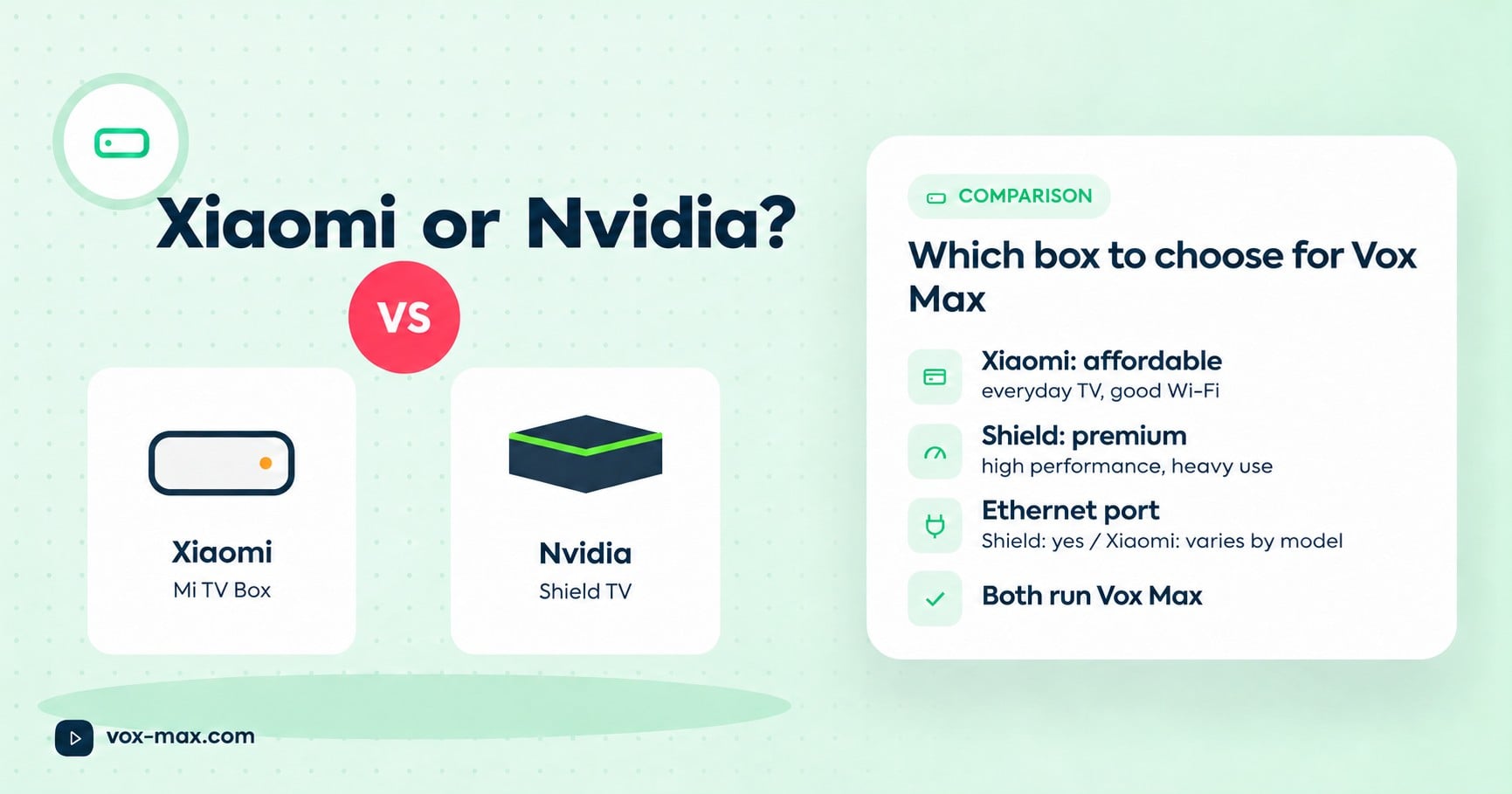
If you are choosing a device, our Xiaomi TV Box vs Nvidia Shield comparison also covers connection options.
An eight-step troubleshooting checklist
- Identify what is affected. Check whether the pauses affect all channels, one channel, films or only Playback. Note what happens before changing settings.
- Connect the TV device by Ethernet. Replay the same content to compare its behaviour with the Wi-Fi connection.
- Test speed on the device you use. Vox Max recommends a minimum internet connection speed of 100 Mb/s. Repeat the test at the time the interruptions occur.
- Close and reopen the app. If menus are slow as well, restart the device from its settings.
- Check household internet use. Temporarily pause large downloads and see whether other televisions or devices are using the connection heavily.
- Check your app version. Follow the official website's update instructions and choose Android TV or Android Mobile to match your device.
- Check system updates and free storage. Use the manufacturer's settings and close apps you are not using.
- Restart the router if the problem continues. Let the connection return, then repeat the test under the same conditions. Send your observations to support if the pauses persist.
Change one thing at a time and test again. This gives you a useful comparison instead of reinstalling everything without knowing what helped.
How to narrow down the possible cause
| What you notice | What to check |
|---|---|
| Ethernet works well but Wi-Fi pauses | Wireless signal, distance from the router and router placement |
| Several devices have connection problems | The router, household usage and your broadband connection |
| One channel pauses while others work | The affected channel and time; send these details to support |
| App menus respond slowly | The device, available storage, open apps and installed version |
| One recording will not play | Whether that recording is available in Playback |
| Pauses begin when several screens are playing | Available capacity and simultaneous network use |
These are starting points rather than a definite diagnosis. Another app working well does not, by itself, identify the cause of a Vox Max playback interruption.
Test the connection on the streaming device itself
A phone speed test beside the router does not automatically show what your streaming box receives beside the television. For a useful comparison:
- measure speed on the device where the problem occurs;
- test at your normal viewing time;
- repeat the measurement a few times and note large variations;
- compare Ethernet with Wi-Fi where possible.
If the device offers a network diagnostic feature, you can use those results too. Keep a screenshot or note the readings for your support message.
Speed is one useful indicator. A reading above 100 Mb/s does not rule out temporary connection interruptions, device limitations or a playback issue affecting particular content. Vox Max uses P2P technology, and checking your connection and equipment remains an important part of troubleshooting.
Using Wi-Fi or the Android Mobile app
On Android TV, try Ethernet before buying extra networking equipment. If running a cable is impractical, test a 5 GHz network when both the router and device support it. Move them closer together and check the result in the room where you watch.
For a phone or tablet, use the dedicated Android Mobile app, downloaded directly from the official Vox Max website, in the Android Mobile section. The website has separate sections for mobile and TV, so select the version for your device.
Our Vox Max Android mobile app guide explains installation and features. For a television or streaming box, follow the Android TV installation guide.
On mobile, test near the router, close apps downloading data and check whether the problem only occurs in a particular room. Reinstallation is worth considering when there is an installation or version problem, after checking the connection steps.
Several screens, live channels and Playback
Vox Max supports up to 5 devices at the same time. When they share one household internet connection, each stream adds to the total traffic. Temporarily test with one screen and compare the result, keeping your TV streaming device connected by Ethernet.
If only one channel is affected, try other channels and note the time. If a recording is missing or will not start, see our guide to Playback and catch-up TV for up to 7 days. A recording's availability needs to be checked separately from internet speed.
When to contact support
If the issue continues, contact the team on Telegram at @vox_max_com or email [email protected]. Include:
- the device model and app version;
- the connection type: Ethernet or Wi-Fi;
- the speed measured on the device;
- the channel, film or recording affected;
- the date, time and country where you are watching;
- the checks you have tried and what happened.
If you are still evaluating the service, use the free 24-hour trial to check it on your own equipment and connection. Subscription options are in the plans and pricing section.
Frequently asked questions
What internet speed does Vox Max recommend?
Vox Max recommends an internet connection of at least 100 Mb/s. Check speed and stability on the device you use, including at your normal viewing time.
Should I connect my streaming box by cable?
Yes. For the streaming device connected to your television, we recommend an Ethernet cable between the router and device. Wi-Fi can be used where a cable is impractical, after checking signal strength and stability.
Why are there pauses when I have a fast broadband package?
Your broadband package speed alone does not show how the connection performs all the way to your device. Check the local network, simultaneous usage, the app and whether all channels or only particular content are affected.
Is the phone app the same as the TV app?
There are dedicated versions for Android Mobile and Android TV. For a phone or tablet, download Android Mobile directly from the Vox Max website.

More guides
-
Romanian TV abroad
P2P vs traditional IPTV: benefits and real differences
P2P vs traditional IPTV: how peer-to-peer delivery can share traffic more efficiently, where it helps and why testing on your own device matters.
-
Romanian TV abroad
Romanian TV on your phone abroad with Vox Max
Watch Romanian TV on your phone abroad with the Vox Max Android Mobile app: what you need, how to get started and how Live TV and Playback fit around your day.
-
Setup and devices
Xiaomi TV Box vs Nvidia Shield: which to choose for Vox Max
We compare the two streaming boxes recommended for Vox Max on the criteria that matter for TV streaming, so you can pick the right one for your home.