Romanian TV on multiple devices: up to 5 screens
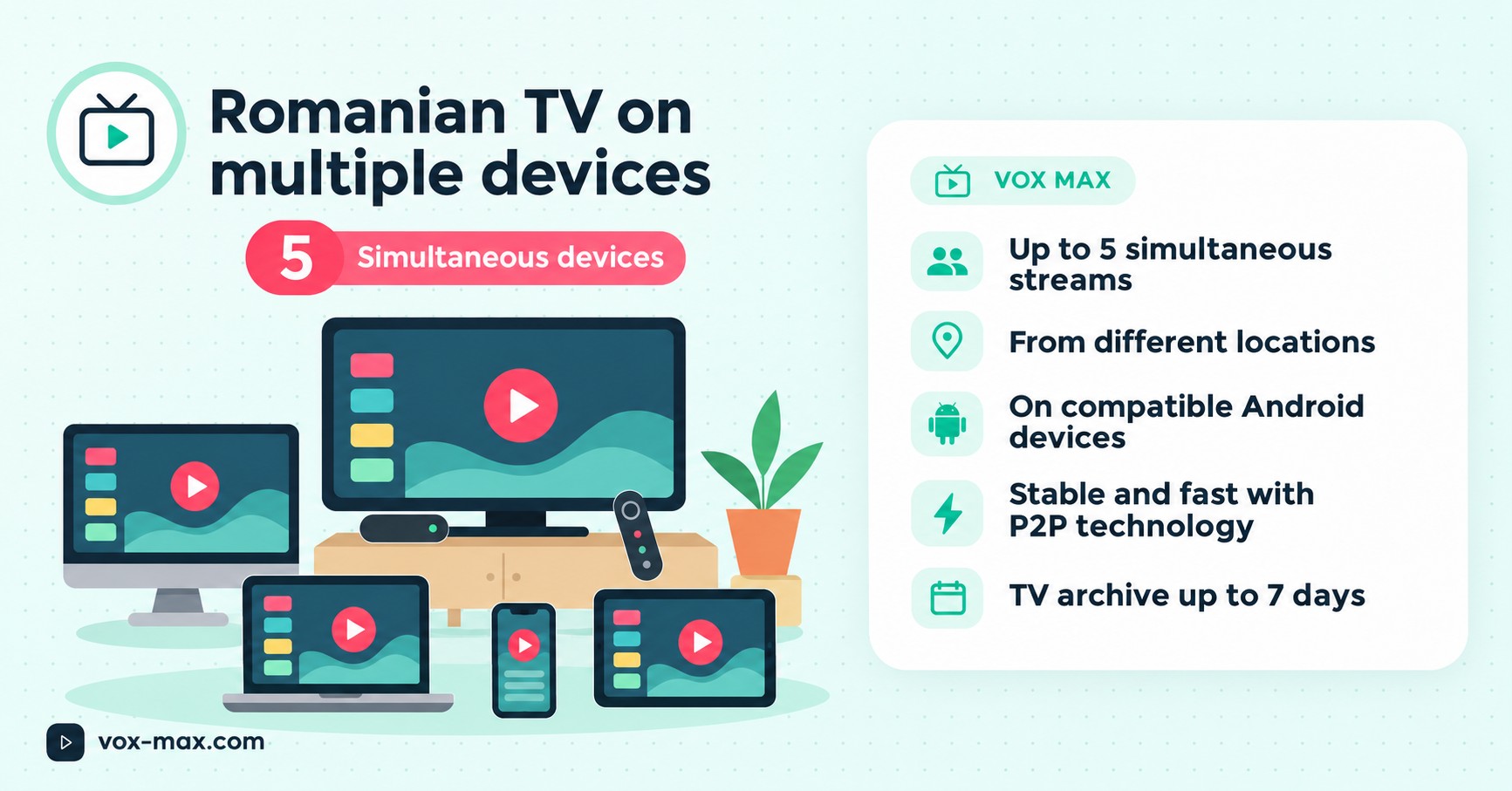
Romanian TV on multiple devices: one Vox Max subscription supports up to five simultaneous screens on compatible Android devices, even across different locations.
In this guide
- What does five simultaneous devices actually mean?
- Five screens in a typical household
- Can I use the same account in different locations?
- Which devices can I use for Romanian TV?
- Setting up several screens step by step
- Do five screens need a faster internet connection?
- Can I also watch catch-up programmes on different screens?
- What if one device will not play?
- Frequently asked questions
- One subscription with flexible viewing
Romanian TV on multiple devices does not have to mean buying a separate subscription for every screen in the house. With Vox Max, one account supports up to five simultaneous streams on compatible devices, including devices connected from different locations, according to the service's official FAQ.
That can be useful for Romanian households abroad. One person might want live news on the living-room television, while someone else watches a film on another screen and a third person uses an Android phone. This guide explains what five simultaneous connections really means, which devices work with the service and how to test your setup before paying.
What does five simultaneous devices actually mean?
It helps to distinguish between installing an app on several devices and watching video on several devices at the same time.
A service may allow you to sign in on multiple devices but only permit one or two active streams. Before choosing any online TV subscription, check the simultaneous viewing limit rather than looking only at how many installations it allows.
For Vox Max, the published allowance is up to five active screens at once under one account. You do not need a separate subscription for every compatible screen within that limit. However, the number of simultaneous streams is not the same as universal device compatibility: the app still needs a supported platform and a suitable internet connection.
Five screens in a typical household
Here is an example of how one account might be used:
- Living-room TV: live Romanian television on an Android TV device.
- Bedroom TV: a different live channel on a second compatible TV device.
- Android phone: a programme on the mobile app in another room.
- Another Android TV screen: a film or series from the available library.
- Compatible Android tablet: a separate programme, using the appropriate mobile app.
This example illustrates five streams running at once. You are not expected to use all five. If you only watch on one TV, the same subscription still works for your needs.
Different screens do not have to show the same channel. The actual channels, programmes and titles available should always be checked inside the application.
Can I use the same account in different locations?
Yes. The official Vox Max FAQ says that an account can be used on up to five screens simultaneously even when the devices are in different locations, using different IP addresses or internet service providers.
This offers useful flexibility if you watch on a television at home and on an Android mobile device elsewhere. The devices do not have to be connected to one home Wi-Fi router.
Each device still relies on the internet connection available at its location. Performance can vary with Wi-Fi signal, local network load and hardware capabilities. Keep your login credentials secure, too: being able to use more than one of your own devices is not a reason to hand your password to other people.
Which devices can I use for Romanian TV?
Vox Max provides separate apps for TV and mobile use. Choose the correct version for each platform rather than installing any package labelled Android.
Android TV and Google TV
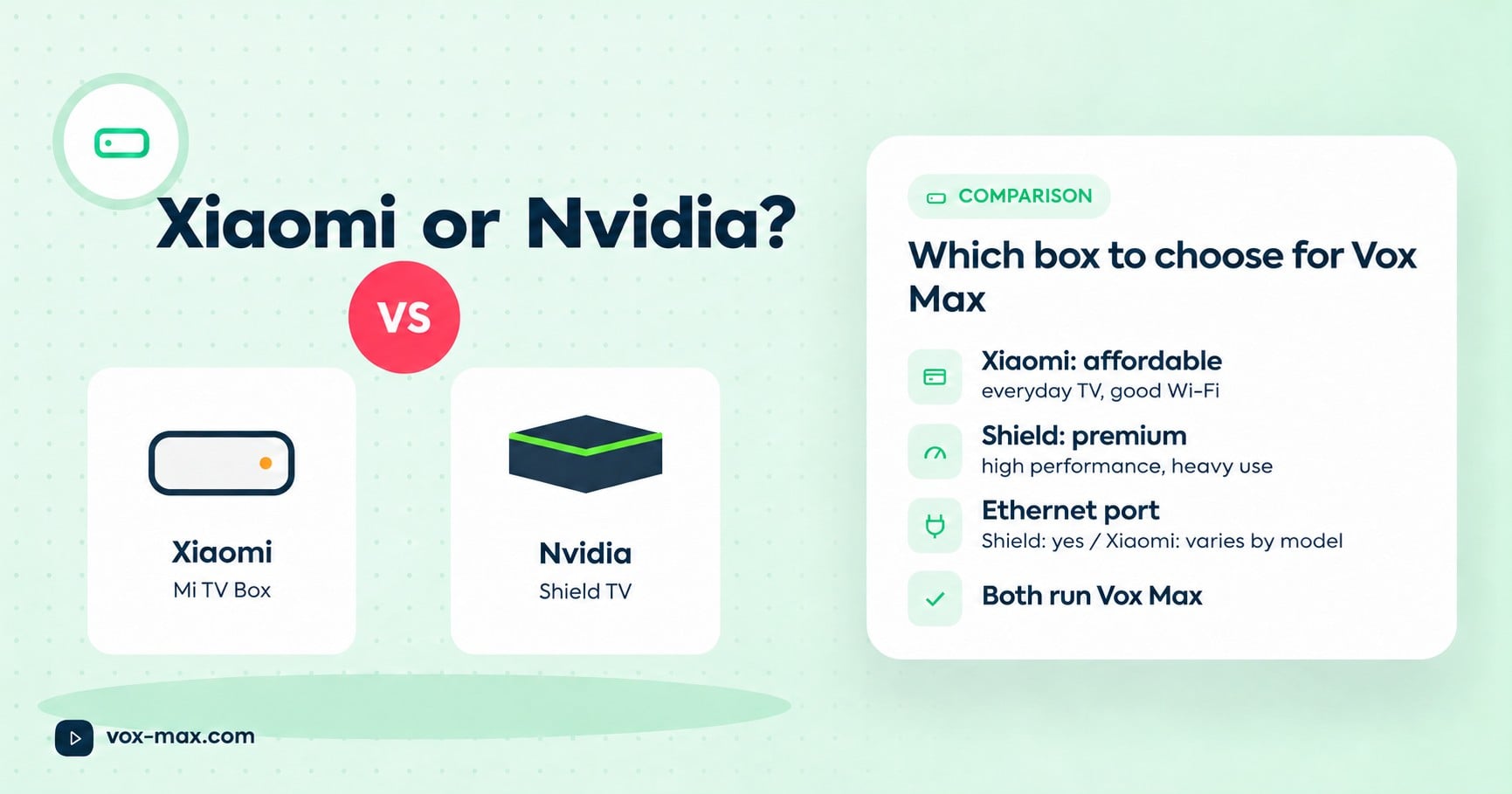
For television viewing, the recommended options include compatible devices such as Nvidia Shield TV, Xiaomi Mi Box and Google TV Streamer 4K. An external Android TV box or streamer can connect to your existing television using HDMI.
Follow the Vox Max Android TV installation guide to learn how to set up the app and sign in.
Android phones and tablets
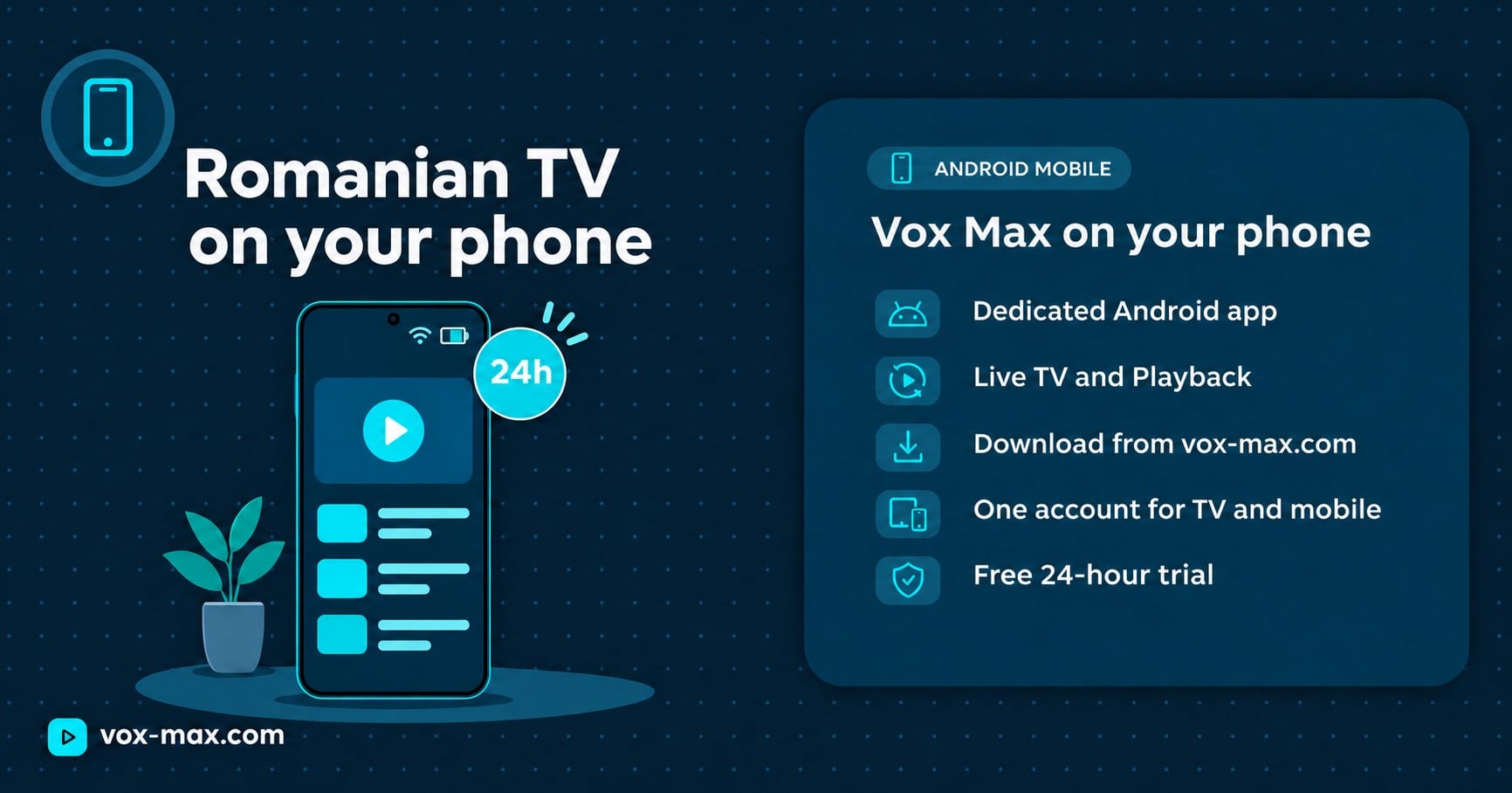
A dedicated Android mobile app is available for touchscreens. It supports portrait and landscape viewing and includes live TV, an electronic programme guide (EPG), catch-up features and other functions offered by the current version.
See the Android mobile app guide for installation instructions and an overview of the features.
What about Samsung, LG and Apple devices?
Vox Max's Android app cannot be installed directly on Samsung's Tizen or LG's webOS. You can keep the television and attach a compatible Android TV device through HDMI instead. A television being described as a 'Smart TV' does not automatically make it an Android TV.
There is no dedicated Vox Max app for iPhone or iPad. If you are unsure whether your television or TV box is supported, check the recommended devices on the official website and test before subscribing.
Setting up several screens step by step
You do not need to build a special home network to watch on multiple compatible devices.
- Create an account on the official Vox Max website using your own details.
- Complete both verification steps, confirming your phone number and email address with the one-time codes requested during registration.
- Choose the devices you plan to use, such as Android TV, Google TV and Android mobile.
- Install the matching version of the app from the relevant Android TV or Android Mobile section of the website.
- Sign in with your Vox Max account credentials on the devices you manage.
- Start different programmes on several screens and check picture, sound, navigation and stability.
- Test again under your normal viewing conditions, particularly in the evening and across different internet connections if that is how you will use the service.
New users can use the 24-hour Vox Max free trial to check whether their devices and home connection are suitable. Testing first is more reliable than assuming every Android device will perform the same way.
Do five screens need a faster internet connection?
When several devices stream at the same time, each one uses network resources. If they all connect through the same home Wi-Fi, they share that network's capacity. If they connect from different properties, each uses the available connection at its own location.
Where possible, an Ethernet connection is a sensible choice for a TV box or television with a network port. For phones and tablets, pay attention to Wi-Fi coverage and signal strength. Actual requirements can vary with picture quality, the device and local conditions.
Vox Max uses peer-to-peer (P2P) technology to distribute streaming data through its own app. Participating devices can help share video data, but P2P does not make a stable internet connection unnecessary. If one screen is experiencing interruptions, test that device and its local network independently.
Can I also watch catch-up programmes on different screens?
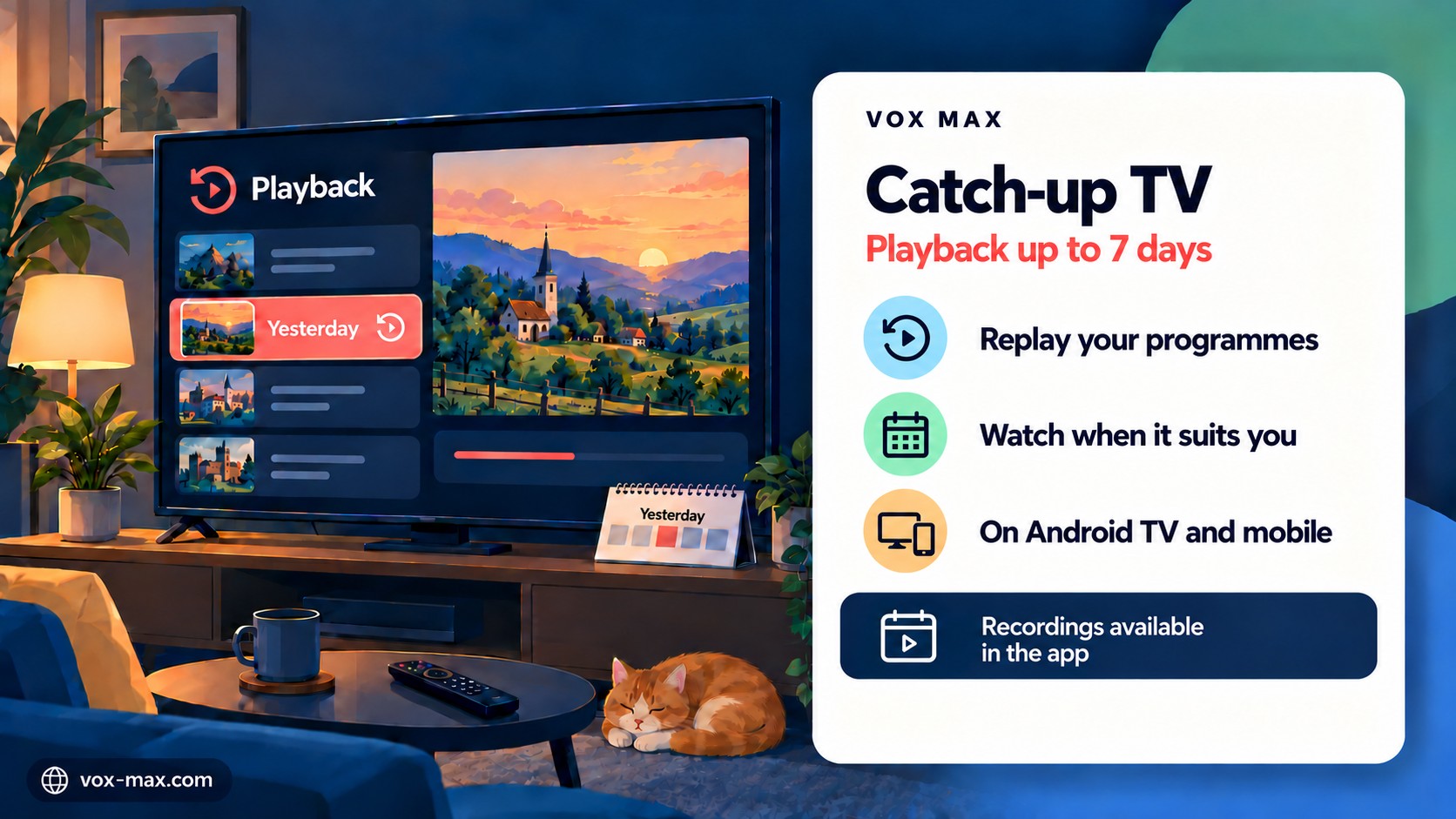
The Vox Max service includes a catch-up archive of up to seven days for programmes that were successfully recorded, together with a library of films and series. You can explore the available functions through the appropriate application on a compatible device.
The phrase 'up to seven days' does not guarantee that every broadcast has been saved. If a programme was not recorded, it cannot simply be recovered from the TV guide afterwards. Our catch-up TV guide explains how playback works and what to check when a recording is missing.
What if one device will not play?
Before assuming you have reached the account limit, work through these checks:
- Correct app: is the TV version installed on your Android TV device and the mobile version on your phone?
- Device support: is the operating system compatible with the intended app?
- Internet access: does the same device play reliably when the other screens are not streaming?
- Active streams: have five devices already started watching at the same time?
- Account details: is your account active and have you entered the right login credentials?
- Specific content: does the problem affect only one channel or several?
If it continues, contact [email protected] with the device model, connection type, app version and any error message. Do not post your password in a public message.
Frequently asked questions
Do I need five subscriptions for five televisions?
No. One Vox Max subscription allows up to five simultaneous streams on compatible devices. You can also use just one or two screens whenever that suits you.
Can two TVs show different channels at the same time?
Yes, provided both use compatible apps and devices, and your total number of active streams remains within the five-screen limit.
Can I watch on a TV in one country and a phone in another?
The official FAQ allows devices to connect from different locations, IP addresses and internet providers. Each device still needs a suitable connection where it is being used.
Does five connections mean I should share my account password?
No. Protect your login credentials and use your account on the compatible devices you manage. The official Vox Max FAQ explains the account and security guidance.
What if I try to start a sixth stream?
The stated limit is five simultaneous active screens. To stay within that allowance, stop playback on one of the devices already streaming before starting another.
One subscription with flexible viewing
For Romanian viewers living abroad, five simultaneous connections can make it easier to watch on different screens without keeping every device in the same room or on the same router.
What matters most is how the service performs on the equipment you actually own. Check compatibility, try the programmes you normally watch and use the free trial to test your setup. You can then review the current plans and subscription terms before deciding.
More guides
-
Romanian TV abroad
Romanian TV on your phone abroad with Vox Max
Watch Romanian TV on your phone abroad with the Vox Max Android Mobile app: what you need, how to get started and how Live TV and Playback fit around your day.
-
Setup and devices
Xiaomi TV Box vs Nvidia Shield: which to choose for Vox Max
We compare the two streaming boxes recommended for Vox Max on the criteria that matter for TV streaming, so you can pick the right one for your home.
-
Vox Max features
Catch-up TV explained: using Playback for up to 7 days
Catch-up TV explained for Vox Max: using Playback on Android TV and mobile, understanding the archive of up to 7 days, and checking missing programmes.