Vox Max on Amazon Fire TV Stick: safe setup and limitations
You can install Vox Max on Fire TV using Downloader. Here are the steps, how to do it safely, and when an Android TV box is the better choice.
In this guide
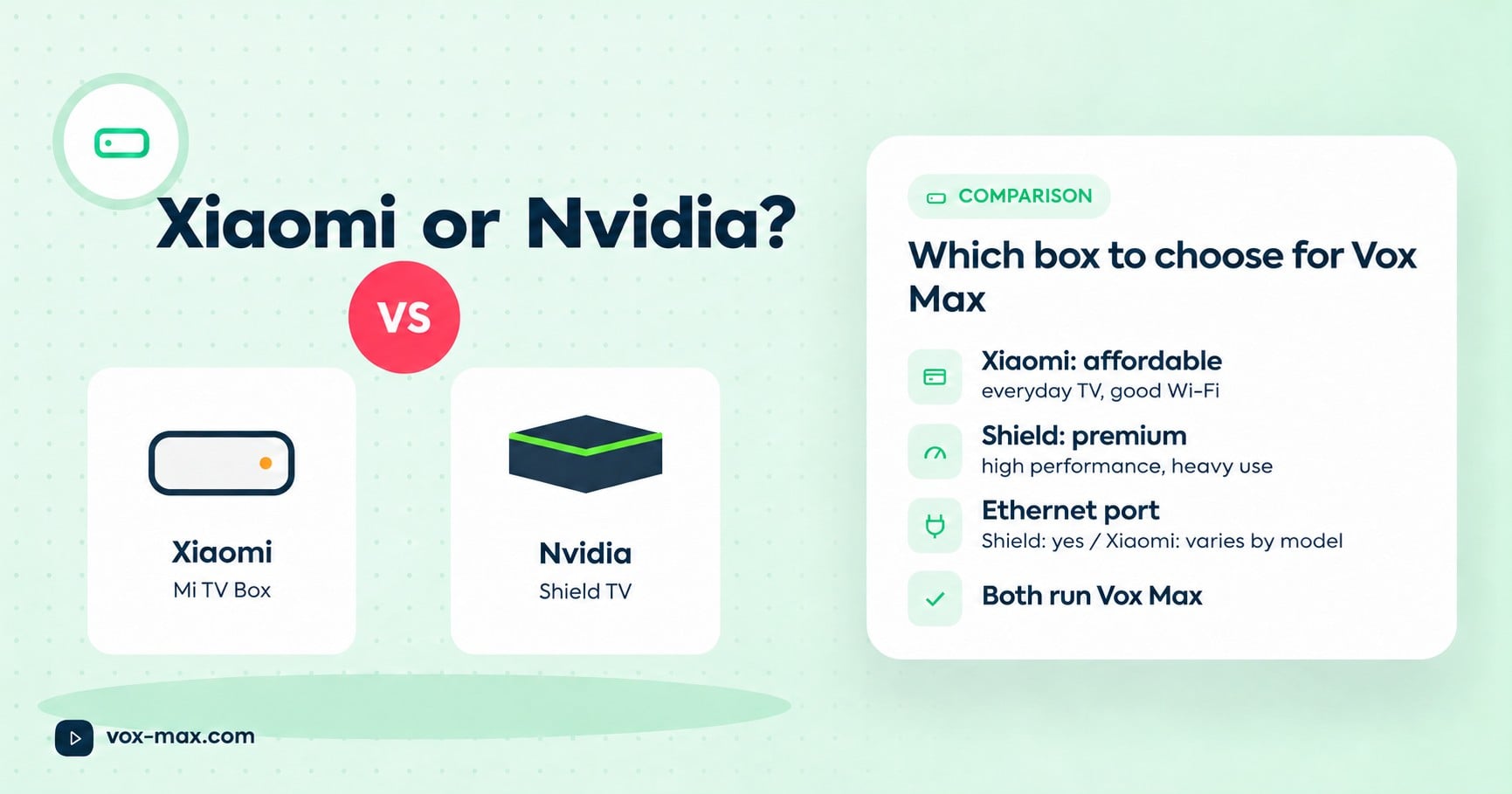
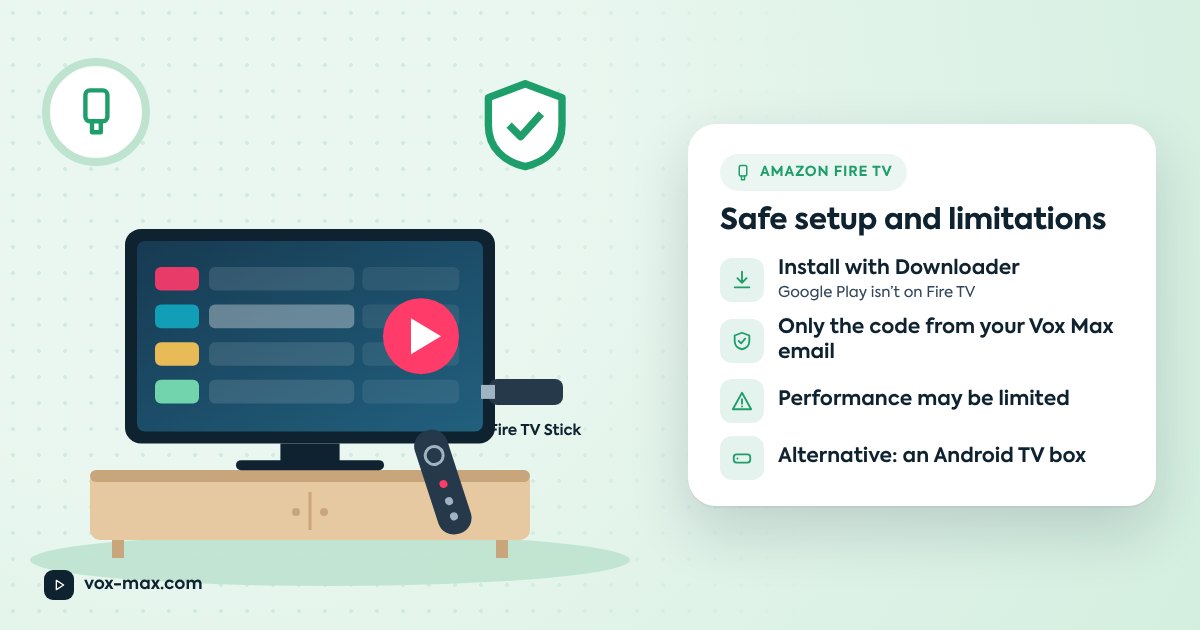
Yes, the Vox Max app can be installed on Amazon Fire TV devices such as the Fire TV Stick, using the Downloader app and the installation code emailed to you when you register. Be aware, though, that Amazon devices may have performance limitations. For the best experience the site recommends a capable Android TV device such as the Nvidia Shield TV Pro or Xiaomi Mi TV Box.
Fire TV comes in many models and software versions, so before you rely on one day to day, check your model with support and use the free 24-hour trial to see how it behaves at home.
What works and what to know
| Topic | In short |
|---|---|
| Install method | Downloader by AFTV News + the installation code from your email |
| Google Play | Not available on Fire TV, which is why Downloader is used |
| Performance | Amazon devices may have limitations |
| Models and versions | They vary a lot; check yours with support |
| Recommended alternative | Nvidia Shield TV Pro or Xiaomi Mi TV Box |
Before you start
- You've created your Vox Max account and have the email with your login details and installation code.
- The Fire TV is online, ideally wired (via an Ethernet adapter if your model takes one) or on 5 GHz Wi-Fi.
- The Fire TV software is up to date (check in the device settings).
Installing with Downloader, step by step
Menu names differ between models and software versions, so treat these steps as a general guide.
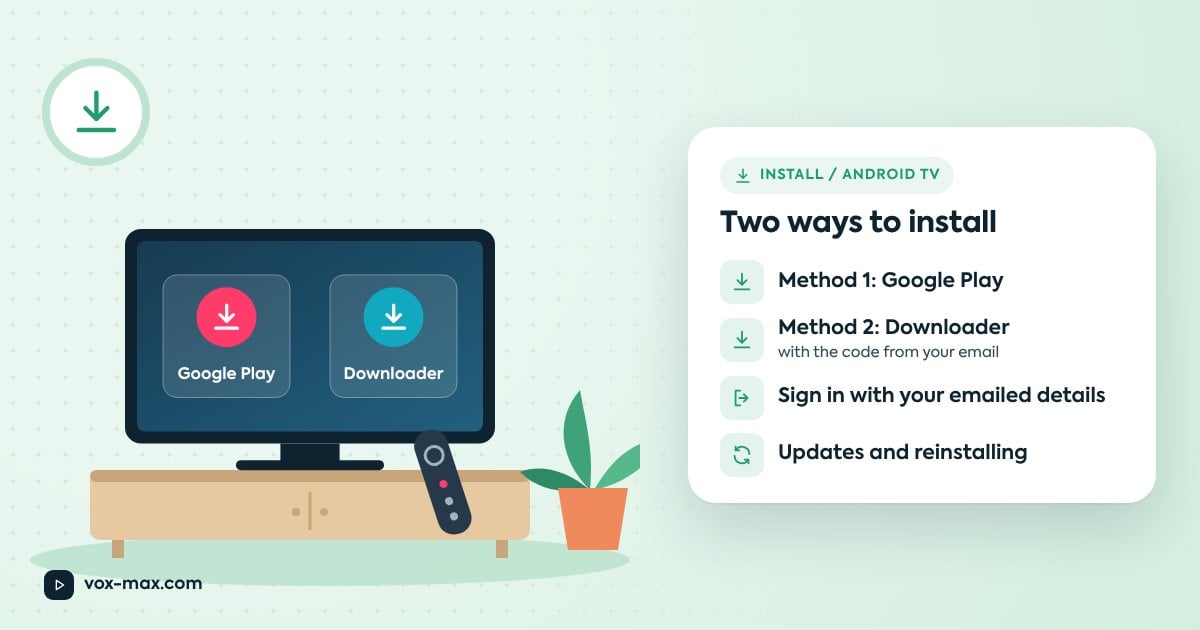
- Install Downloader. From the home screen, use search, type "Downloader" and install Downloader by AFTV News from the Amazon store.
- Allow installs for Downloader only. Open Settings, then My Fire TV, then Developer options. Find the option to install unknown apps and turn it on for Downloader only.
- Open Downloader and accept the permissions it asks for.
- Enter the installation code from your email in the address or code field and confirm.
- Install the Vox Max app once the download finishes, and confirm the install.
- Open the app and sign in with the details from your email (they're also in your account).
- Switch the permission off again for Downloader now that the app is installed.
Staying safe
Installing apps from outside the official store calls for a bit of care:
- Use only the code from your Vox Max email. Never type links or codes from groups, forums or strangers into Downloader.
- Grant the permission to Downloader only, not to every app.
- Turn the permission off after installing. You can switch it back on briefly if you need to update.
- Leave your other security settings alone; there's no need to change them.
- Don't share your account details with anyone offering to "help" with the install.
Known limitations
Amazon devices may have performance limitations. On a more modest model you might notice:
- slower app start-up or channel switching
- more frequent loading pauses, especially on weak Wi-Fi
- limited storage that fills up once you have a few apps installed
Some of these are network problems rather than device problems. If playback stalls, check your network first: cable or 5 GHz Wi-Fi, a router restart, other heavy internet use at home.
When to pick an Android TV box instead
Go for an Android TV device if:
- you watch daily, for hours, and want things to feel smooth
- your Fire TV trial stalls even on a good network
- you'd rather install straight from Google Play
- support tells you your model has limitations
The recommended options are compared in Xiaomi TV Box vs Nvidia Shield, and setup on them is covered in installing Vox Max on Android TV. If you were hoping to use your smart TV's own apps, see where things stand with Vox Max on Samsung and LG TVs.
Frequently asked questions
Can I get Vox Max from the Amazon store?
On Fire TV the app is installed with Downloader by AFTV News, which you get from the Amazon store, plus the installation code from your email.
Will it work on my Fire TV Stick?
That depends on the model and software version. Message support on Telegram at @vox_max_com or email [email protected] with your exact model, and test it during the free 24 hours.
Do I need to leave unknown sources switched on?
No. Enable it for Downloader only, just while you install, then turn it off.
What if the app runs slowly on Fire TV?
Check your network and the device's free storage first. If it's still sluggish, a more capable Android TV device such as the Nvidia Shield TV Pro or Xiaomi Mi TV Box is the recommended fix.

More guides
-
Setup and devices
Vox Max Android mobile app: features and installation
Download the Vox Max Android mobile app directly from the website. Explore P2P, Playback, EPG, casting, Light and Dark Mode, subtitles, and portrait or landscape viewing.
-
Setup and devices
How to install Vox Max on Android TV: step-by-step guide
Install Vox Max from Google Play or with Downloader, sign in with your emailed details, and fix the most common setup problems.
-
Setup and devices
Xiaomi TV Box vs Nvidia Shield: which to choose for Vox Max
We compare the two streaming boxes recommended for Vox Max on the criteria that matter for TV streaming, so you can pick the right one for your home.