Romanian TV shows online: watch live and catch up
Find Romanian TV shows online, explore familiar channels and learn how live viewing, catch-up recordings and on-demand programmes differ.
In this guide
You can watch Romanian TV shows online live as they are broadcast, or catch up afterwards when a recording is available. The easiest starting point is to identify the channel, check when the programme is on and choose a service that works on your television or phone.
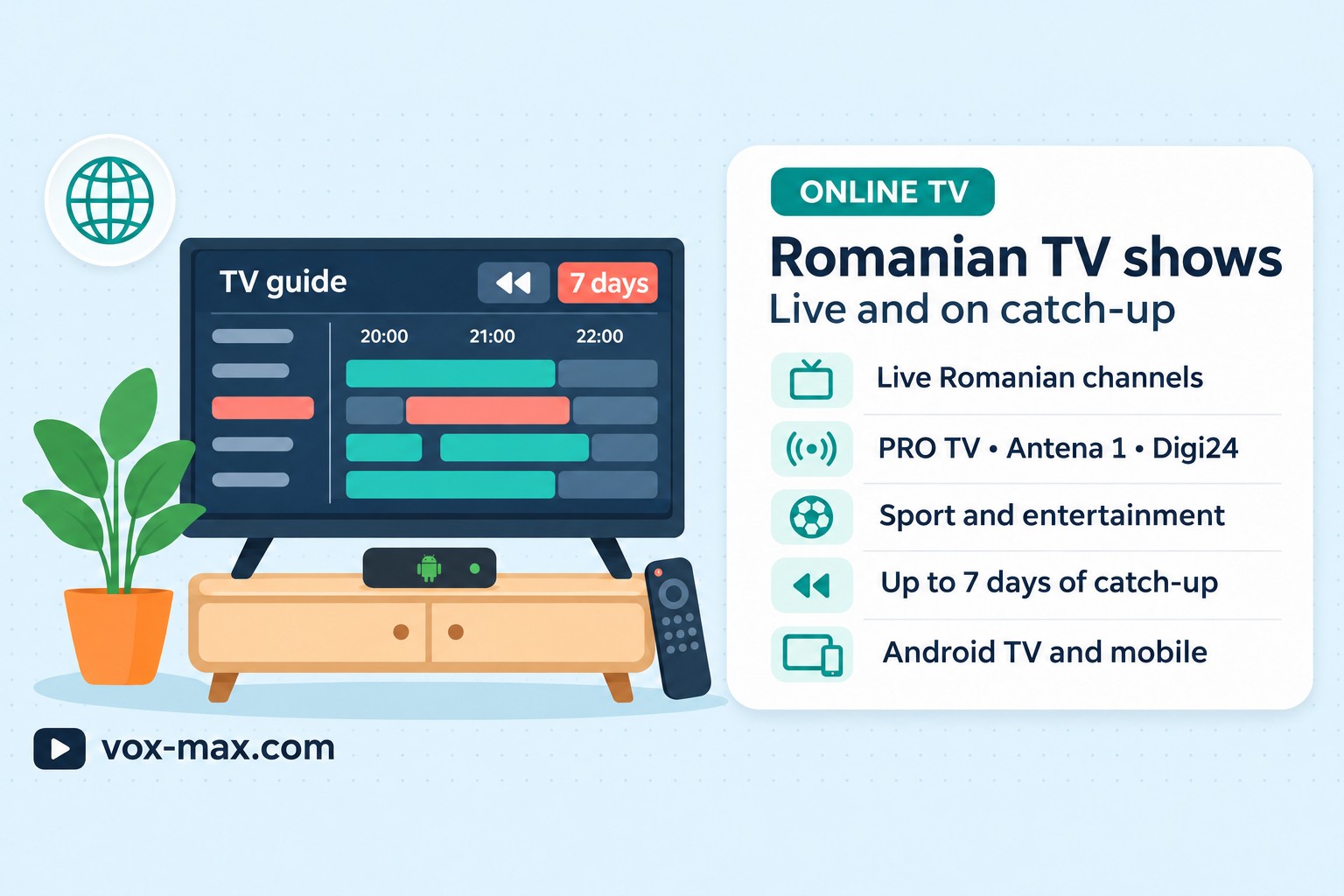
Vox Max includes channels such as PRO TV, Antena 1, Digi24, Digi Sport, Kanal D, Prima TV, TVR 1 and TVR 2. Its Playback feature provides access to available TV recordings for up to seven days. Having a channel in the live line-up does not mean that every programme will also be available to watch later.
Live TV, catch-up or on demand: what is the difference?
Live TV follows the channel’s broadcast schedule. Choose it when you want to watch a programme as it airs, follow a news bulletin or tune into a sporting event listed in the schedule.
Catch-up TV lets you return to a recording after the broadcast. In Vox Max, this feature is called Playback. You look for the channel, date and programme, then select an available recording. What you can watch depends on what was actually recorded.
On-demand viewing is different. Films and series are usually organised by title, season or episode in a separate library. A title in that library is not the same as a recording from a live channel. If an episode is missing from one section, do not assume it will be available in the other.
Before searching, ask yourself whether you want something that is on now or a particular edition you missed. That small distinction makes it easier to find the right section.
Romanian channels available in Vox Max
The following are examples from the Vox Max channel line-up. They are not a complete list or an audience ranking. The links take you to the broadcasters’ own websites, where you can check programme information before looking for the channel in the app.
- PRO TV and Antena 1: check the programme title, broadcast date and time for the show you want to watch.
- Digi24: consult the channel’s programme information, then choose live viewing or an available recording in the app.
- Digi Sport: check the specific channel and fixture listing. Do not assume that every sporting event is carried.
- Kanal D and Prima TV: use the official websites to find programme details and identify the edition you are looking for.
- TVR 1 and TVR 2: consult the broadcasters’ programme information, then find the relevant channel in Vox Max.
Check the current line-up and the programmes that matter to you during your trial. The official broadcaster links are reference sources; their websites and viewing services have their own access conditions.
How to find a Romanian TV programme online
If you know the name of a show but not the channel, start with the broadcaster’s official website or the programme’s official page. Check the date as well as the title: a clip shared on social media may come from an older episode.
Some broadcasters offer clips, full editions or live streams through their own websites and apps. Check what each source actually provides and whether access is available to you. A free clip does not necessarily mean that the full programme is free to watch.
When using Vox Max, follow these steps:
- Find the channel. Identify which broadcaster carries the programme.
- Check the date and time. Compare the app’s programme guide with the broadcaster’s listing, particularly when you are in a different time zone.
- Choose live TV or Playback. Open the live channel for a current broadcast, or check the archive for an earlier edition.
- Confirm the edition. Make sure you have selected the correct date rather than an earlier episode or a scheduled repeat.
- Test playback. Check the picture, sound and available recording on your own device before relying on it for regular viewing.
For a broader introduction to devices and watching over the internet, read our guide to Romanian television abroad.
Catching up on a programme you missed
In Vox Max, open Playback and look for the channel and broadcast date. If the recording is available, select it to watch later.
The archive covers available recordings for up to seven days. This is not a guarantee that every programme was recorded in full. A recording interruption or an unavailable source can affect what appears in the archive.
A scheduled repeat is also different from catch-up. A repeat is another broadcast chosen by the channel for a particular time. Catch-up gives you access to a recording that has already been made available.
Our guide to catch-up TV and Playback explains the feature and its limitations in more detail. This article focuses on finding a programme and choosing how to watch it.
Watching on your television or Android phone
Choose the Vox Max app intended for your device: the Android TV version for a compatible television or streaming player, and the Android mobile version for your phone. Their interfaces are designed for different types of screen and controls.
Samsung televisions running Tizen and LG televisions running webOS cannot install the Android TV app directly. A compatible Android TV device connected through HDMI can let you use the television as a screen. Check the exact device before installing anything.
For the larger screen, follow the Android TV installation guide. For a phone, use the guide to the Vox Max Android mobile app.
An account can be used on up to five devices simultaneously. This is an account limit, not a promise that the app works on every television or phone.
What if a programme is missing or playback stops?
You cannot find the programme: check the channel, date and listing title. For an earlier broadcast, look in Playback rather than only browsing live channels. A missing recording cannot be recovered automatically.
The picture keeps freezing: try another channel to see whether the issue affects one stream or several. Check your connection and use Ethernet on your TV device where possible. Note whether the same problem occurs during live viewing and catch-up.
The app will not install: check the device’s operating system and the version you downloaded. The Android TV package and the Android mobile app are separate versions.
You need help: give support your device model, app version, channel and the time the problem occurred. For a recording, include the original broadcast date. These details make the issue easier to investigate.
Frequently asked questions
Can I watch PRO TV and Antena 1 in Vox Max?
Yes. Both are among the channels available in the app. Check the current schedule for the programme you want and Playback for any available recordings.
Are Digi24 and Digi Sport available?
Yes. For sports coverage, check the specific channel and event listing. Availability of the channel does not mean that every competition or match will be shown.
Can I watch every programme on catch-up?
No. Playback gives access to available recordings for up to seven days. A channel being available live does not guarantee that every broadcast is archived.
Can I try the app before paying?
New users can use the 24-hour free trial to check the channels, their device and the Playback feature. Review the current plans and renewal conditions before subscribing.
Do I need a country-specific guide?
Not for the basic steps of finding a channel and choosing between live viewing and catch-up. Still check the service’s access conditions, programme availability and the time zone used by the displayed schedule.
More guides
-
Romanian TV abroad
Romanian television abroad
Watch Romanian television abroad with Vox Max: live channels, Playback for up to 7 days, films and series, with P2P delivery and access on up to 5 devices at once.
-
Romanian TV abroad
Romanian IPTV 2026
Romanian IPTV 2026: compare internet TV subscriptions, compatible devices, catch-up television and IPTV versus P2P before you choose.
-
Romanian TV abroad
Romanian TV on your phone abroad with Vox Max
Watch Romanian TV on your phone abroad with the Vox Max Android Mobile app: what you need, how to get started and how Live TV and Playback fit around your day.