Romanian TV in France: is your smart TV compatible?
Find out which operating system your TV runs, which setup route fits it and how to test your connection before you subscribe.
In this guide
Your smart TV works with Vox Max directly if it runs Android TV or Google TV: you install the app on the TV and sign in. If it runs something else, such as a Samsung or LG system, you can still watch Romanian TV in France by adding an Android TV box over HDMI.
So the key question isn't "which brand do I have?" but "which operating system does my TV run?". This guide shows you how to check in a few minutes, which route to take based on the answer, and how to test your connection before subscribing.
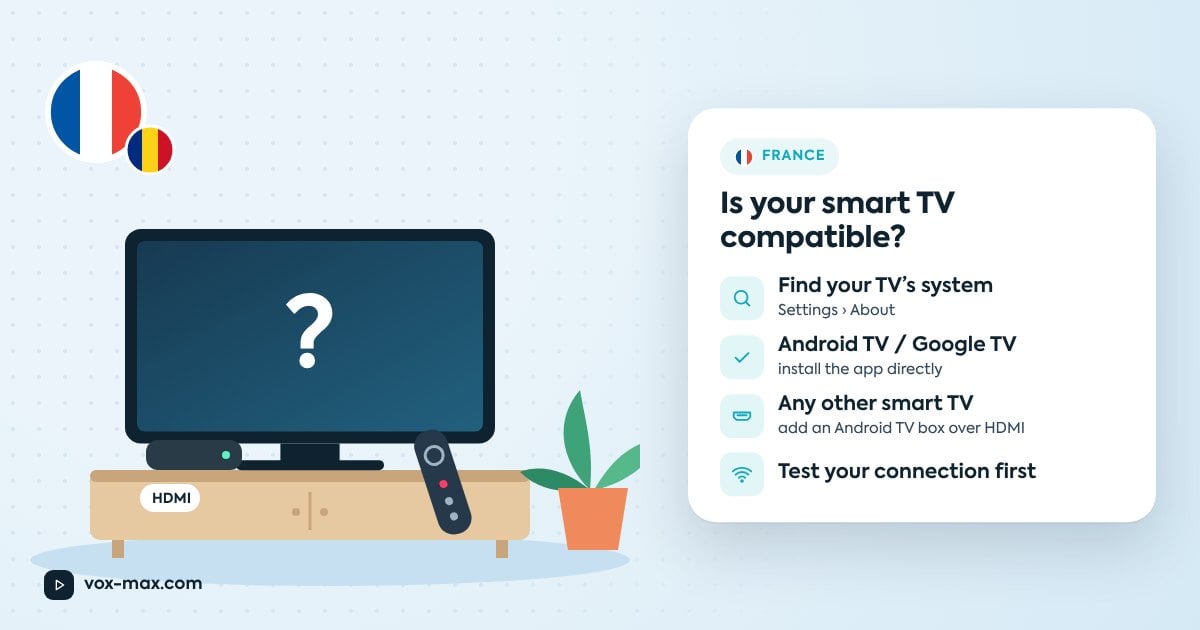
Find your TV's operating system
The exact path varies by model, but it usually goes like this:
- Press Settings (the cog icon) on the remote.
- Look for a section called About, System, Information or Support. If your menus are in French, look for "À propos", "Système" or "Informations".
- Note the operating system name and version, if shown.
Quick clues, without opening any menus:
- Google Play Store on the home screen means Android TV or Google TV.
- Samsung TVs run Tizen.
- LG TVs run webOS.
- Other brands may use their own systems; check the label on the back or the product listing.
Which route to take
Once you know the system, the decision is straightforward:
- Android TV or Google TV? Install the app directly on the TV.
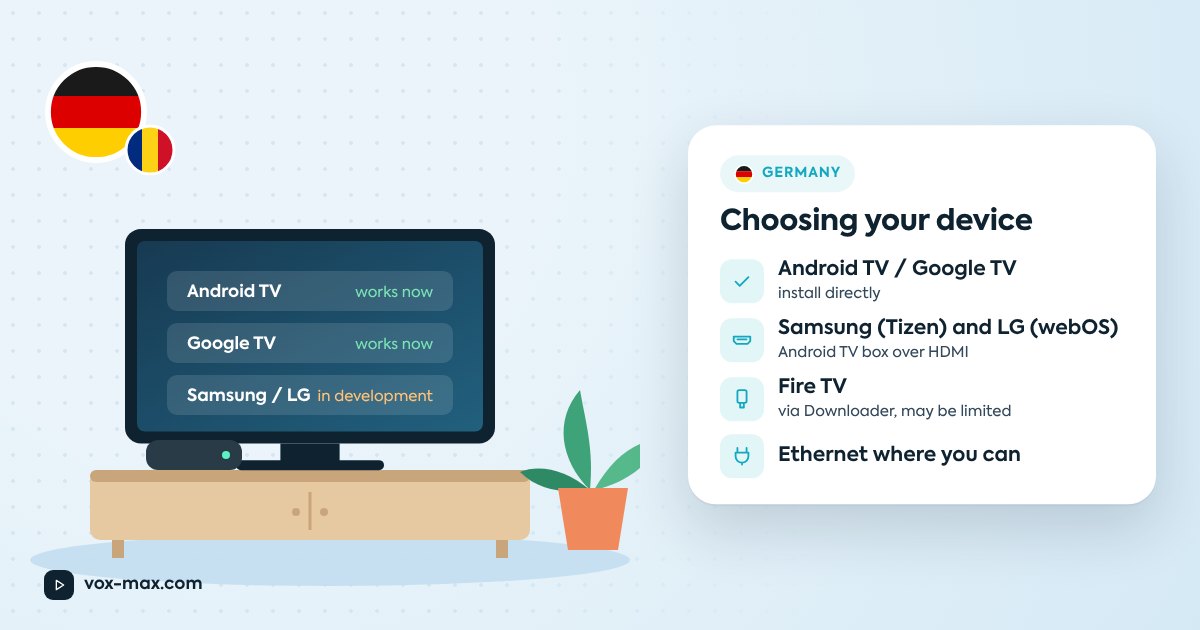
- Samsung or LG? A native app is in development and will be available soon. Today, use an Android TV box over HDMI.
- Another smart TV, or a non-smart TV? Use an Android TV box over HDMI.
- Amazon Fire TV device? The app can be installed with Downloader, but performance may be limited. For the best experience, the site recommends a capable Android TV device.
Why there isn't an app for every TV
Each TV operating system (Android TV, Tizen, webOS and others) has its own app store, its own rules and its own development tools. An app built for Android TV can't simply be installed on a Samsung or LG set; it has to be built and approved separately for each platform.
That's why a "smart" TV may still not list the app in its store. The Samsung and LG situation is covered in detail in Vox Max on Samsung and LG smart TVs.
Android TV and Google TV: install directly
If your TV runs Android TV or Google TV:
- Install Vox Max from Google Play, or with "Downloader by AFTV News" using the installation code emailed to you at registration.
- Open the app.
- Sign in with the details sent by email (or phone) when you registered; they're also in your customer account.
The full walkthrough is in installing Vox Max on Android TV.
Other smart TVs: add a streaming box
An Android TV box plugs into any free HDMI port and gives your TV Android TV without replacing it. The site recommends:
- Nvidia Shield (including Shield TV Pro)
- Xiaomi Mi Box / Mi TV Box
- Google TV Streamer 4K
Switch the TV's input to that HDMI port and follow the same install steps as above. Not sure which box to pick? See Xiaomi TV Box vs Nvidia Shield.
Test your connection before subscribing
The free 24-hour trial is the best way to see how the service behaves in your home. What to check:
- The app opens and you sign in without errors.
- The picture stays stable in the evening, when your network is busiest.
- You've tried Ethernet (recommended) and compared it with Wi-Fi.
- You've opened the archive for something that aired earlier.
France is one hour behind Romania all year, with clocks changing on the same dates. Evening news at 19:00 Romanian time airs at 18:00 for you. If you miss it, the TV archive lets you go back up to 7 days, depending on availability for each programme.
Subscriptions auto-renew by default; you can switch auto-renewal off in your account at least one day before the renewal date. Current options are on plans and pricing.
Support
If you're unsure what your TV runs, or have questions about availability in France, get in touch before subscribing:
- Telegram: @vox_max_com
- Email: [email protected]
It helps to send your TV's brand and model, and perhaps a photo of its "About" screen.
Frequently asked questions
My TV is a smart TV. Does that mean it works directly?
Only if it runs Android TV or Google TV. Other systems currently need an Android TV box over HDMI.
When will the Samsung and LG app arrive?
The native app is in development and will be available soon. No date has been announced.
Can I use my internet provider's TV box?
It depends on what it runs. If it isn't Android TV or Google TV with access to Google Play, you'll need a separate streaming box. If you're not sure, ask support.
Do I need to buy anything before the trial?
Only if you don't already have an Android TV device. Run the 24-hour trial on the device you'll actually use every day.
More guides
-
Romanian TV abroad
Romanian TV in Germany: choosing the right streaming device
Check your TV's operating system, see what works today on each platform and learn what to look for before you buy an Android TV box.
-
Romanian TV abroad
Romanian TV in Italy without a satellite dish: what you need
Compare satellite with internet TV, see what equipment you actually need and how to sort out connection problems.
-
Romanian TV abroad
Romanian TV shows online: watch live and catch up
Find Romanian TV shows online, explore familiar channels and learn how live viewing, catch-up recordings and on-demand programmes differ.